The Most Frustrating Thing About AI Tools
You open ChatGPT. You explain your business. You explain your customers. You describe what you need.
It gives you a decent answer.
The next day, you open it again. It has no idea who you are. You start over from scratch.
This happens every single time. And it's why most people say their AI tool is "helpful for drafts" instead of "genuinely useful for running my business."
A real assistant remembers things. They know your history. They remember what you decided last week and why. They get better at your specific work over time.
Cloud chatbots don't do this. TotalRecall does.
What TotalRecall Actually Is
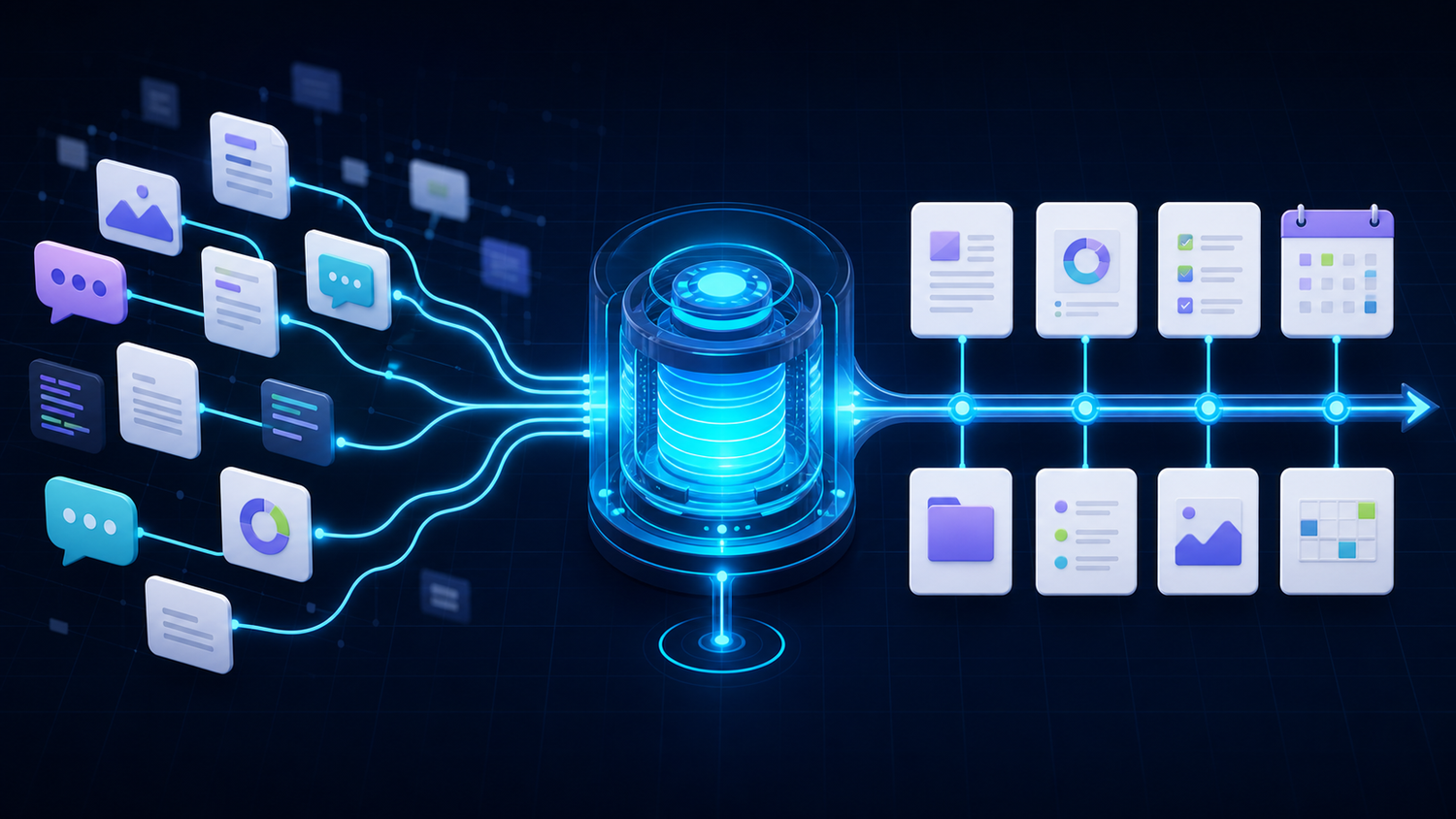
TotalRecall is ProductiveBot's persistent memory system. It's not one feature. It's three layers working together.
Layer 1: Correct Setup
This sounds basic, but it matters. Standard OpenClaw installations often have the memory workspace misconfigured. The AI doesn't index anything, so it remembers nothing between sessions, and no error message tells you something's wrong.
ProductiveBot's setup wizard gets this right from the start. Memory works from your first conversation.
Layer 2: The Memory Structure
Your AI stores what it learns in organized files on your Mac Mini: a main memory file, daily notes, and a structured memory folder. This is where your business context lives and grows over time.
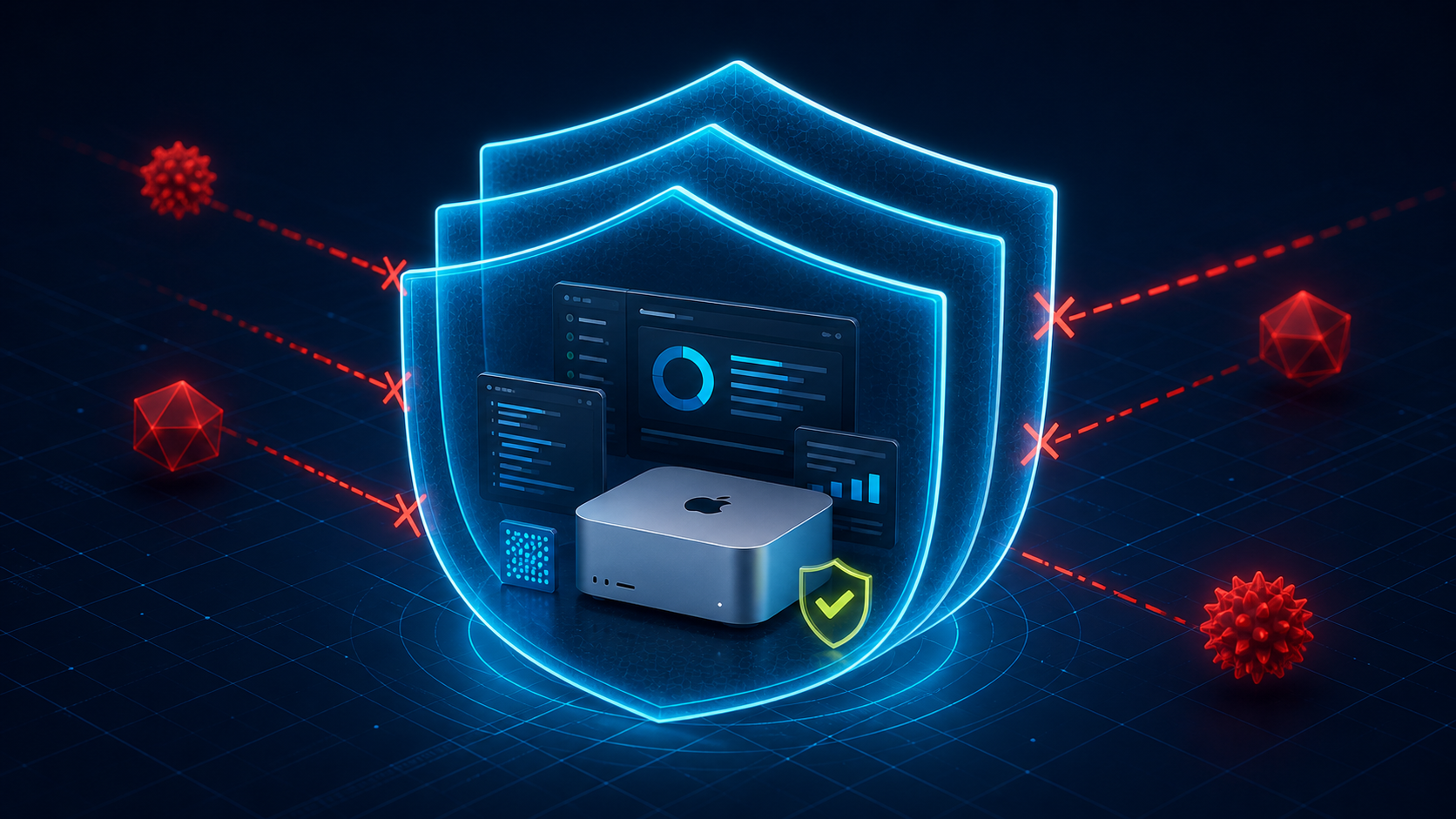
All of it stays on your device. None of it goes to the cloud.
Layer 3: Smart Search
When your AI needs to recall something, TotalRecall uses hybrid search. That means it combines meaning-based search (understanding what you're asking about) with exact keyword matching (finding specific names, dates, or numbers).
It also uses temporal ranking, so recent memories come up first when they're more relevant. And diversity ranking, so you don't get five nearly identical results.
These features are all off by default in standard OpenClaw. In ProductiveBot, they're on from day one.
What This Feels Like in Practice
"What did we decide about the partnership last month?"
Without TotalRecall: "I don't have access to previous conversations." You re-explain everything. Again.
With TotalRecall: The AI searches its memory, finds the conversation from three weeks ago, and gives you the decision plus any follow-up items. You pick up right where you left off.
"Follow up on that proposal I mentioned yesterday."
Without TotalRecall: "Could you provide more details about the proposal?" It has no idea what you're talking about.
With TotalRecall: Finds the proposal details from yesterday's conversation, drafts a follow-up with the right context, and flags any deadlines you mentioned.
"Have I already told you about the Henderson account?"
Without TotalRecall: Can't answer. No memory of past sessions.
With TotalRecall: Searches memory and confirms Henderson was mentioned 12 days ago. Gives you a summary so you can keep going without repeating yourself.
It Gets Better Over Time
This is the part that really matters.
Month 1: Your AI handles what you ask it to do, but you have to give it a lot of context each time. It's learning.
Month 3: Two months of memory built up. The AI knows your customers, your preferences, how you like things written. You spend less time explaining and more time getting results.
Month 6: Things happen that weren't possible in month one. Drafts need barely any editing. Your AI anticipates your preferences. It knows your business well enough that a new employee would take months to catch up.
The value compounds. Every conversation makes the next one better.
ChatGPT is just as forgetful in month six as it was on day one. TotalRecall keeps getting smarter.
Why This Lives on Your Mac Mini
TotalRecall memory is stored locally on your Mac Mini. It's not on anyone else's servers.
Your prompts travel to the AI provider's API to generate responses, but your memory, your history, and your files stay on your device. The providers ProductiveBot supports (including Anthropic and OpenAI) have explicit no-training policies for API customers, so even your prompts aren't used for model training.
The memory that makes your AI valuable is yours. It lives on hardware you own, in your home or office.
An AI That Gets Smarter the Longer You Use It
If you want an AI assistant that remembers your business, learns your preferences, and gets better every month instead of resetting every session, that's exactly what TotalRecall was built for.

Leave a comment
This site is protected by hCaptcha and the hCaptcha Privacy Policy and Terms of Service apply.