Accessories
Accessories for your AI workspace
Curated hardware for the way you work—input, displays, docks, storage, and more. Every product includes clear compatibility guidance before you buy.
Built to fit the way you work
Browse today’s essentials, with displays, docks, storage, and more on the way.
01Which keyboard?Both have Touch ID. It comes down to the number pad.

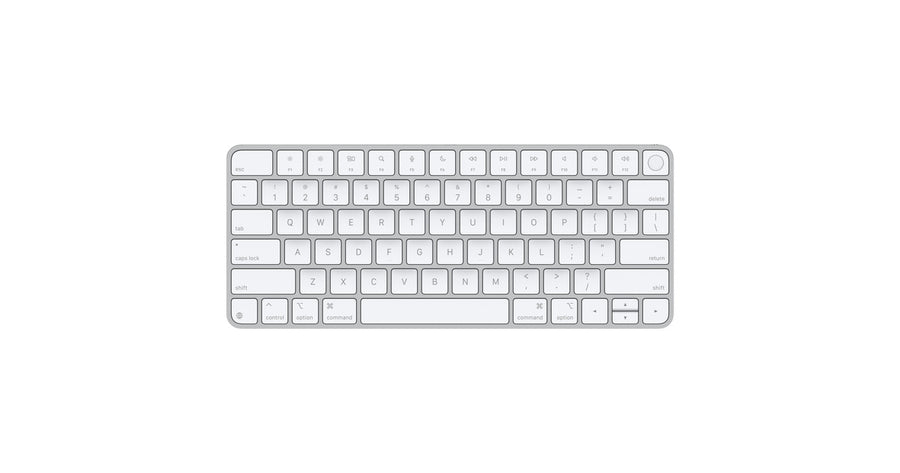
Magic Keyboard with Touch ID
$149 · 10.98″ · 0.54 lb
Choose this if desk space is tight. The smallest footprint of the two, which matters when the Mac mini and a monitor already share the desk.
Fingerprint sign-in, autofill, and purchase approval

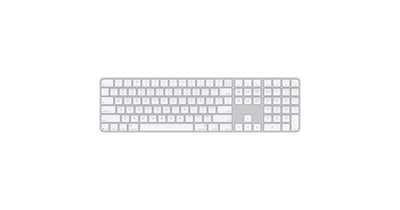
Magic Keyboard with Touch ID and Numeric Keypad
$179 · 16.48″ · 0.81 lb
Choose this if you live in spreadsheets. Adds a number pad plus document-navigation keys for moving through long files without the mouse.
Everything above, plus keypad and doc-nav keys
02Mouse or trackpad?Familiarity, or the full macOS gesture set.

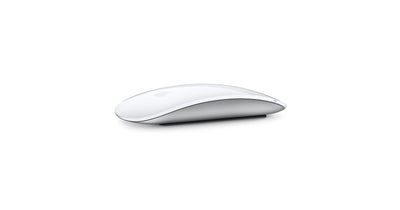
Magic Mouse
$79 · Multi-Touch surface
Choose this if you want a mouse to feel like a mouse. The lowest-friction pointer if you or your team are coming from a Windows desk.
Scroll any direction, swipe between full-screen apps

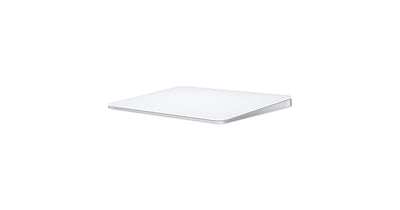
Magic Trackpad
$129 · Force Touch
Choose this if you keep many windows open. Full gestures make moving between an agent chat, a browser, and your files noticeably faster.
Every macOS gesture, plus pressure-sensitive Force Touch
True of all four
You only need to read this once
ConnectionBluetooth — no dongle
In the boxWoven USB‑C cable
BatteryAbout one month per charge
WarrantyApple one-year limited
Touch ID requiresApple silicon Mac, macOS 15.1+
Your ProductiveBot Mac miniQualifies
Starting from scratch
These finish the ProductiveBot workstation
A Mac mini that arrives with your AI agent system installed, configured, and already working.
See the workstation — $1,499