
ProductiveBot on the Mac Studio
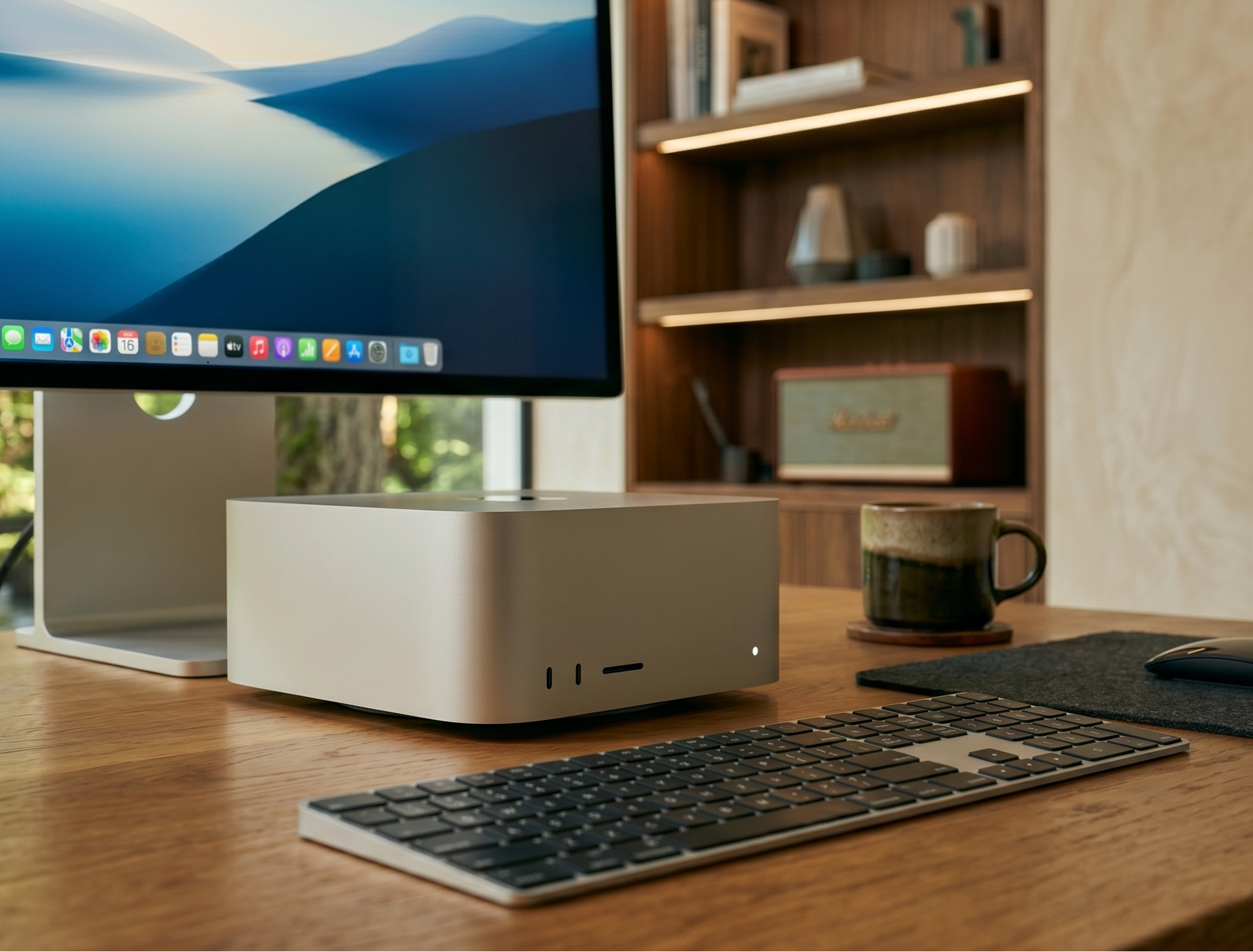
Serious AI Power, On Your Desk. This Mac Studio M4 Max comes with ProductiveBot pre-installed, enhanced, secured, and ready to work. Message it from anywhere using any chat platform. Run a frontier-quality 70B local AI model entirely on your hardware — privately, for free, with no monthly bill attached to every query.
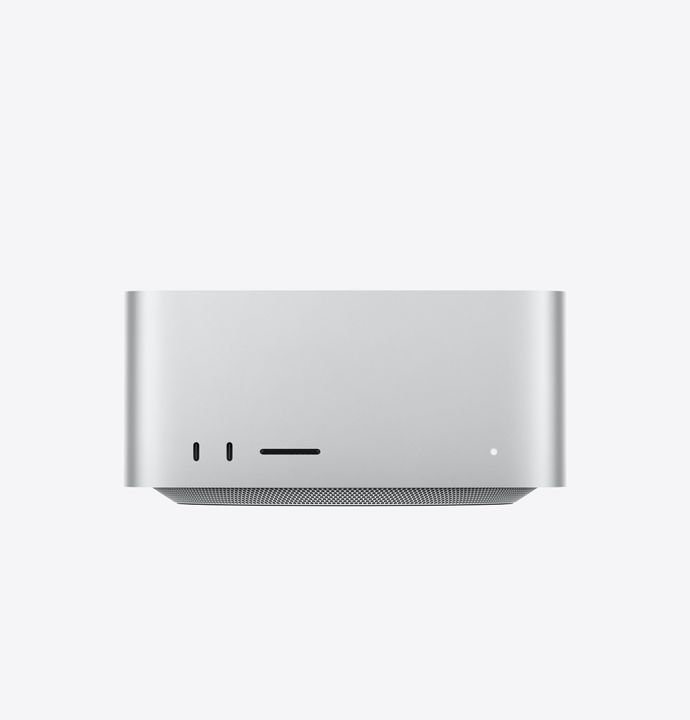
- Mac Studio M4 Max (64GB RAM, 1TB SSD, Silver)
- ProductiveBot + Qwen3 72B pre-installed — 70B-class reasoning, complex analysis, on-device forever
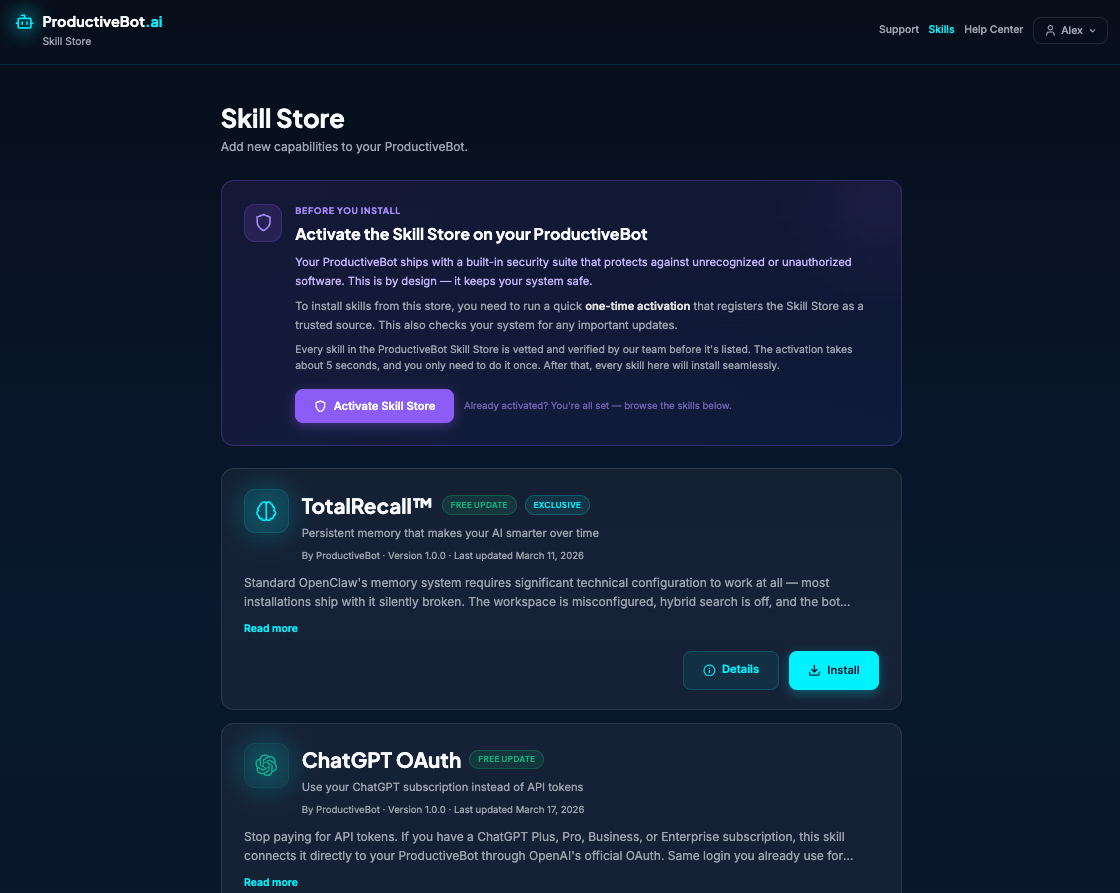
- SecuritySuite, TotalRecall memory, and Skill Store pre-configured
- 60-Minute Setup Strategy Call + 30-Day Optimization Check-In + ProductiveBot+ Membership included
Maximum Local Power — Frontier AI on Your Desk
The only ProductiveBot that runs a 235-billion-parameter model. Entirely on-device. Entirely free after purchase.
235B Parameters. On Your Desk.
Qwen3 235B is a frontier-class AI model — GPT-4-level reasoning — running entirely on your hardware, for free, with no usage fees. Ever.
Replace Most of Your Cloud Spend
At 235B parameters, this model handles the vast majority of business workloads locally. Most heavy AI users see their cloud bill drop substantially within the first month.
Sensitive Data Stays On-Premise
Client files, financial models, strategy docs — processed locally with zero cloud data handling. Built for professionals where data residency matters.
What Your Free, Local AI Can Do For You
Qwen3 235B lives on your Mac Studio. It runs without internet, without a subscription, and without sending a single byte to the cloud. Here is what it handles — for free, forever.
Writes Publish-Ready Content — For Free
Executive memos, investor materials, long-form articles, client proposals. Every word is generated on your machine, at zero cost per query. The output quality rivals paid cloud APIs — and you own every draft.<\/p>
Handles 100-Page Documents — Locally
Feed it a full contract, a regulatory filing, or your company knowledge base. At 235B parameters it holds long context without losing track. The document never leaves your desk — no cloud upload, no data handling concerns.<\/p>
Deep Reasoning — Without a Monthly Bill
Multi-step business analysis, financial modeling, competitive research. Every reasoning task that runs locally is a task you're not paying Claude or GPT-5 for. And at 235B, the quality gap with cloud models shrinks dramatically.<\/p>
Financial and Data Analysis — On Your Hardware
Paste in a P&L, a spreadsheet, or a data export. Ask it to find trends, flag anomalies, or explain the numbers. It works with data like a sharp analyst — and your financials never touch a third-party server.<\/p>
Replaces Most of Your Cloud AI Spend
Every query that runs on your Mac Studio is a query you're not paying for. At 235B parameters, this model handles the vast majority of real business work. Most heavy users see their cloud bill drop significantly within the first month.<\/p>
Sensitive Work Stays On Your Desk — Always
Client data, acquisition analysis, confidential strategy — processed locally with zero cloud data handling. No API provider logs, trains on, or retains your queries. The most capable local model, with the strongest privacy guarantee.<\/p>
Wait — What Is a Local AI Model?
If you have used ChatGPT or Claude, those are cloud models — they run on someone else's servers. A local model is different.
It Lives On Your Computer
A local AI model is software that runs directly on your Mac Studio — the same way Photoshop or Excel does. When you ask it a question, the thinking happens inside your machine's processor and memory. Nothing is sent to the internet.<\/p>
No Subscription. No Per-Query Fees.
Cloud AI tools like ChatGPT and Claude charge monthly subscriptions or per-query API fees. A local model costs nothing to run after purchase. Ask it 10 questions or 10,000 — the cost is the same: zero.<\/p>
Works Without Internet
Because the model runs on your hardware, it works anywhere — during an internet outage, on a closed network, or simply disconnected. Your AI doesn't depend on anyone else's servers to function.<\/p>
How Fast Does It Pay For Itself?
Heavy AI users spend $500-$1,000+/month on cloud subscriptions and API fees. The Mac Studio's 235B model handles the vast majority of that work — for free.
| Comparison point | Doing It Yourself | ProductiveBot ✦ |
|---|---|---|
| If you spend $500/mo on AI | $6,000/year in cloud fees — ongoing, forever | Mac Studio pays for itself in ~12 months, then saves $4,500-5,500/year |
| If you spend $750/mo on AI | $9,000/year — Claude Max + GPT-5 + multiple API keys | Pays for itself in ~8 months, then saves $7,000-8,500/year |
| If you spend $1,000+/mo on AI | $12,000+/year — and it scales with every new tool you add | Pays for itself in ~6 months, then saves $10,000+/year |
| After payback | You keep paying. Monthly. Every month. Forever. | Your 235B model is free. The savings compound every year you own it. |
Hardware Specifications
Mac Studio · M4 Max · 128 GB · 1 TB · Silver · Ships pre-configured with ProductiveBot.
Apple M4 Max — 16-core CPU (10 performance + 4 efficiency), 40-core GPU, 16-core Neural Engine
128 GB Unified Memory · 546 GB/s bandwidth
1 TB SSD
Wi-Fi 6E · Bluetooth 5.3 · 10 Gb Ethernet (built-in)
Rear: 4x Thunderbolt 5, 2x USB-A, HDMI 2.1, 10Gb Ethernet, 3.5mm · Front: 2x USB-C, SDXC
Up to 5 simultaneous displays · 8K/60Hz or 4K/240Hz over HDMI
Enterprise-grade security by default
PromptGuard: A proprietary input-filtering layer pre-configured to neutralize prompt injections and malicious "jailbreak" attempts. A 235B model with broad capabilities needs strong guardrails — this is them.
SkillGuard: A deterministic permission gate that enforces strict boundaries on AI tools so private data never leaves your device. Every skill sandboxed before it can access your system.
Local-first architecture: Your conversations, documents, and business data are processed on your hardware. No API provider logs, trains on, or retains your queries.
The Logical Choice for Maximum AI Power
235B parameters. On your desk. At a fraction of what a GPU workstation costs.
| Feature | Cloud-only / DIY GPU | Mac Studio + Qwen3 235B |
|---|---|---|
| Local AI model | 32B or less (other tiers) | Qwen3 235B — frontier quality, free, always-on |
| Cloud AI cost | $500–$1,000+/month ongoing | Dramatically reduced — 235B replaces most cloud usage |
| DIY GPU alternative | $15K–$30K + 600W draw + Linux + ongoing maintenance | $5,999, silent, 480W max, macOS, ships configured |
| Setup | Days of configuration | Ships ready — 60-min call + 30-day check-in included |
| Data privacy | Cloud providers log your queries | 100% on-device — zero cloud data handling |
Up and Running in Minutes
Connect and Power On
Connect your monitor, keyboard, and mouse (not included). Plug in power and ethernet or Wi-Fi. ProductiveBot launches automatically on first boot.
Connect Your Tools
Add API keys for any cloud models you want available (optional). Your local Qwen3 235B model is already running and ready.
Book Your 60-Min Strategy Call
Your setup call + 30-day check-in are included. Use the booking link in your confirmation email to schedule with a ProductiveBot specialist.
Everything Included at $5,999
No per-query fees. No recurring AI costs for daily work. No hidden subscriptions.
Built on world-class hardware
Every ProductiveBot Mac Studio is a brand-new, unmodified Apple device covered by Apple's standard 1-Year Limited Warranty. Verify your coverage at checkcoverage.apple.com. ProductiveBot software is pre-installed before shipping — Apple's warranty is unaffected.
Frequently Asked Questions
Why 128 GB of RAM?
Running Qwen3 235B locally requires roughly 140–160 GB of addressable memory at a quantization level that preserves strong output quality. 128 GB of unified memory handles this effectively. It's the minimum sensible configuration for a 235B model — machines with less RAM cannot run it properly.
Does a display come with the Mac Studio?
No — the Mac Studio is a standalone desktop computer. You'll need a monitor (sold separately). It connects via HDMI 2.1 or Thunderbolt 5, and supports up to 5 displays simultaneously. A single 4K monitor is what most users start with.
Does this work with my existing Claude or ChatGPT subscription?
Yes. Every ProductiveBot connects to every major cloud AI model — Claude, GPT-5, Gemini, DeepSeek — via your API key or OAuth. The Mac Studio dramatically reduces how much you need them, but they're always available.
What's the 30-day check-in for?
Most customers discover their real use cases after 2–3 weeks of actual use, not day one. The 30-day check-in is designed for that moment — we tune configurations, add skills for workflows you've discovered, and set up more advanced automations when you're ready.
Is this a modified Mac Studio?
No — it's a standard Apple-manufactured Mac Studio (M4 Max, 128 GB, 1 TB, Silver) with ProductiveBot software pre-installed before shipping. Apple's warranty is fully intact. We source directly from Apple.