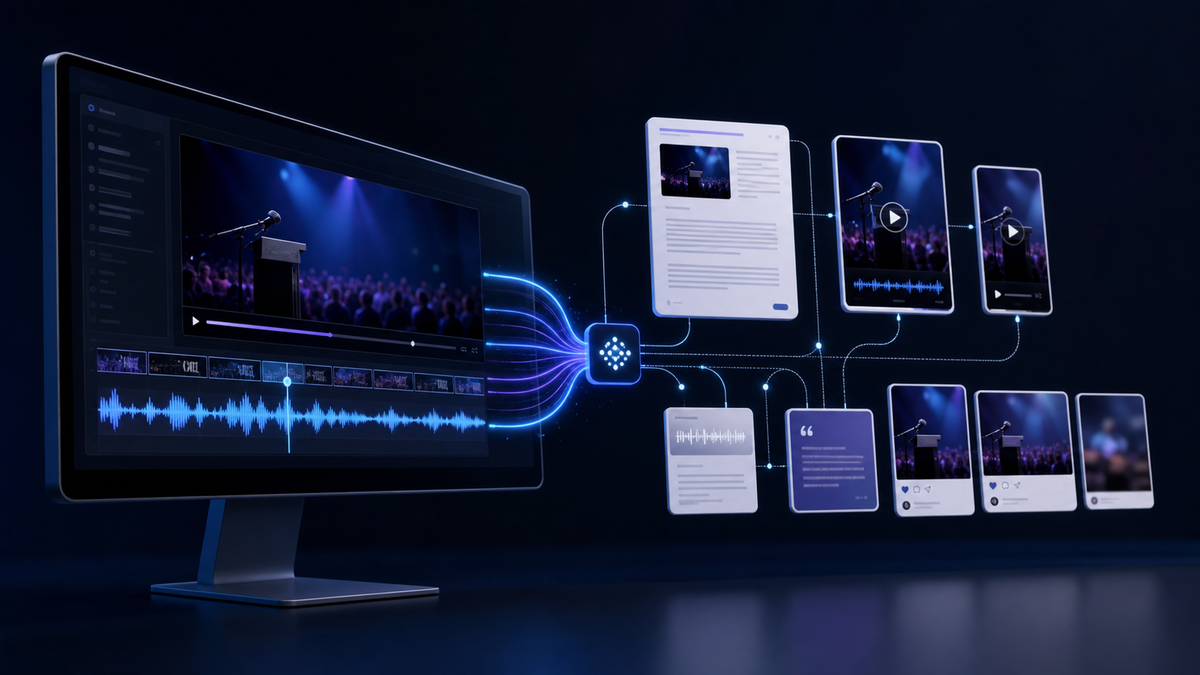
This guide is based on a ProductiveBot webinar where we turned one long-form recording into a YouTube upload, blog article, clips, captions, and follow-up content. The video below was edited and published using this workflow.
Why This Is Worth Fixing
A good webinar should not disappear after the live session ends.
It may contain a tutorial, a strong product explanation, a customer story, or a useful answer someone will search for later. The problem is that the recording is only the starting point. Someone still has to turn it into something people can watch, read, and share.
That is where the process usually falls apart. Trimming the video, writing the title, creating chapters, checking links, drafting the article, and posting in the community all become separate chores. One webinar turns into a pile of unfinished tabs.
The better approach is simple: let the agent prepare the messy first pass, then let a person make the judgment calls. The person checks the edit, fixes the tone, catches the weird details, and decides what is good enough to publish.
Start with the transcript. Use it to guide the edit, YouTube package, article, clips, captions, and follow-up posts. Upload as an unlisted draft first, then publish after review.
Start With The Transcript
The transcript is the best place to start because it turns a long recording into something searchable.
It shows the topics, timestamps, speaker intent, action items, repeated sections, weak openings, strong explanations, and possible clip moments. That makes every next step easier to review.
Without the transcript, the agent is guessing from a large video file. With the transcript, it can point to specific moments and explain why they matter.

Every recording becomes a one-off project. You hunt for files, rewrite notes, guess at timestamps, create metadata manually, and skip the article because the whole thing takes too long.
The agent finds the source material, uses the transcript as the map, prepares the draft package, and gives the person a clear review queue.
What The Webinar Showed
In the webinar, Alex walked through the system we built for recurring weekly webinar videos. The agent pulled the transcript, found the matching recording, prepared the YouTube package, trimmed low-value sections, created metadata, handled thumbnail iterations, and kept the upload behind a review step.
The YouTube draft used a real video ID, real chapters, a custom thumbnail, default language settings, and an unlisted status before review. That matters because the job is not done when a file exists. It is done when the upload, metadata, thumbnail, and review path all work.
| Area | Old Way | Better Way |
|---|---|---|
| Source files | ✕ Search Drive, Fireflies, Zoom, or local folders by hand | ✓ Match the transcript to the right recording and save the artifacts |
| Editing | ✕ Scrub the timeline and remove obvious dead space manually | ✓ Use transcript and audio signals to flag setup chatter, dead air, and filler for review |
| Packaging | ✕ Write title, description, tags, and chapters from scratch | ✓ Generate search-friendly metadata from the transcript, then review it |
| Publishing | ✕ Upload manually and hope the details are right | ✓ Upload as unlisted, verify readback, then wait for approval |
| Repurposing | ✕ Start over for blogs, emails, and community posts | ✓ Reuse the same transcript to create articles, clips, posts, and newsletters |
Step 1: Save The Recording And Transcript
The first rule is simple: never rely on one source. If a webinar matters, keep a backup recording and a transcript source.
For our setup, Fireflies supplied the transcript and the Google Drive recording acted as the video source of truth when the transcript provider did not expose a usable video URL. That backup path kept the work moving.
Ask the agent to match the transcript to the correct recording before it edits, uploads, or writes public content.
Step 2: Use The Transcript To Guide The Edit
Do not ask an agent to make a video better in a vague way. Ask it to find specific edit decisions.
For long-form business content, the safest first pass is practical cleanup. Flag setup chatter, long silence, false starts, and obvious filler. Be careful with phrases like "you know," "kind of," or "right" because they can carry meaning in a sentence.
The key is to make risky edits reviewable. A good agent should leave a report that says what changed, what it left alone, and what needs a human look.
Step 3: Package The YouTube Draft
A YouTube package is more than a file. It needs a title, description, thumbnail, chapters, tags, language settings, captions, playlist decisions, and a publish status.
The title should match what someone would actually search for. The thumbnail should be readable at a small size. The description should explain the value, include links, and give YouTube enough context to understand the video.

For API-based workflows, YouTube supports video resources, thumbnail uploads, captions, and OAuth-based channel access through the YouTube Data API. Google also documents OAuth authorization for the YouTube Data API, including why user authorization matters for private channel data.
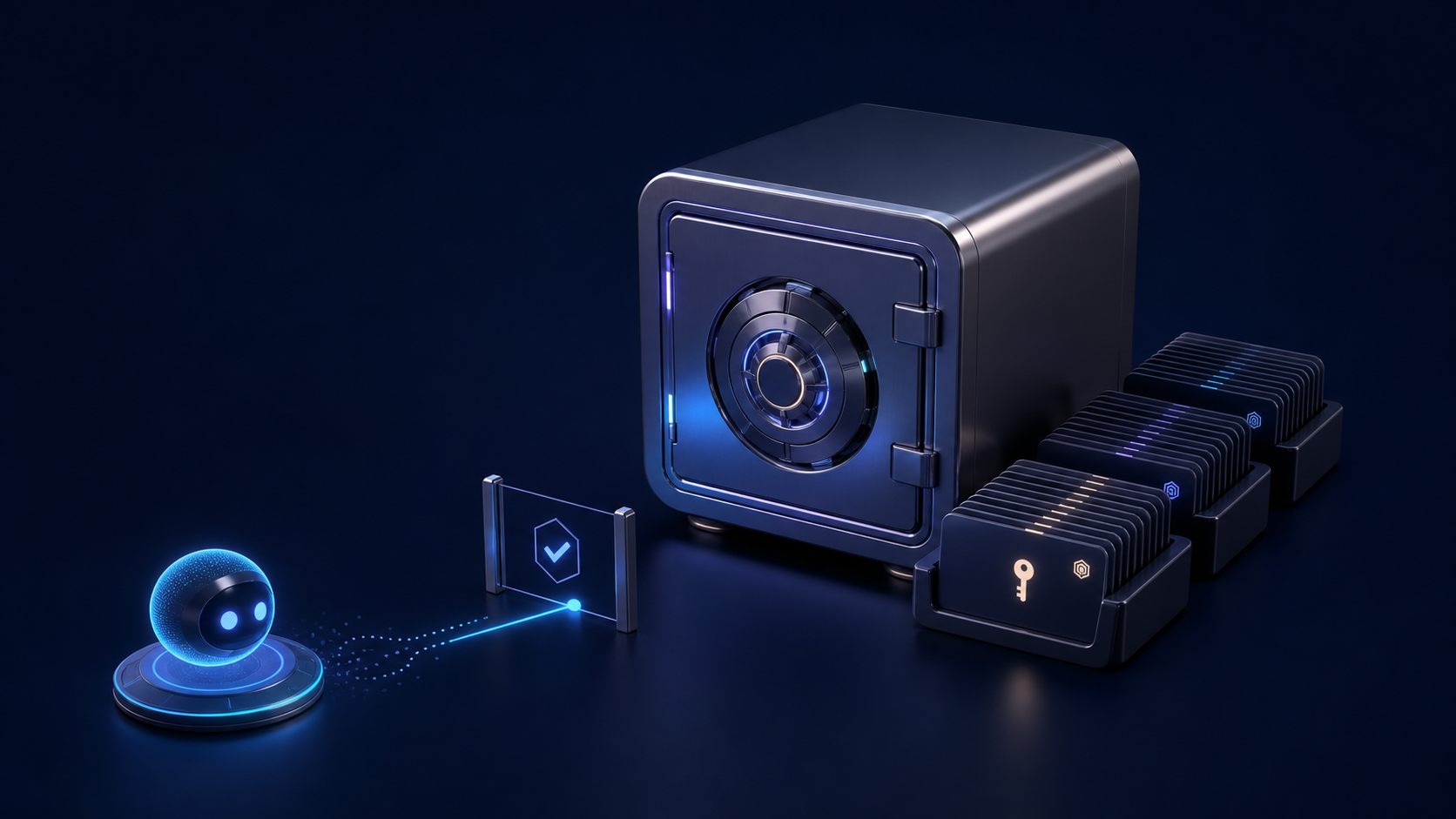
If the workflow needs stored credentials or API access, keep that part locked down. We use the same pattern covered in our guide to giving AI agents secure access to 1Password.
| Package Item | What The Agent Creates | What The Human Reviews |
|---|---|---|
| Title | Search-focused title options | Accuracy, tone, and click promise |
| Thumbnail | Concepts, copy hooks, and variants | Brand fit and small-size readability |
| Description | Summary, links, chapters, and calls to action | Claims, links, names, and positioning |
| Captions | Transcript or caption file | Names, product terms, and technical language |
| Visibility | Private or unlisted draft upload | Approval before public publishing |
Step 4: Review Before Publishing
Automation should not mean publishing blind.
Our default pattern is to upload as unlisted, verify the title and thumbnail, check the description, confirm chapters, then ask for approval before public publishing.
That review step is where the work gets better. It catches a messy title, a weak thumbnail, a broken link, or a private detail before the audience sees it.
The agent can prepare the work, but a person should approve the public release. That keeps the speed without giving up taste, privacy, or accuracy.
Step 5: Write The Article
Once the video package is ready, the same source can become a useful article. This is where a lot of teams stop too early. A raw transcript is not a blog post.
The article should teach the idea in a clean order. The video gives proof and depth. The writing still has to stand on its own.
| Article Step | Why It Matters |
|---|---|
| Embed the video | Readers can watch the source while the article gives them a clean written guide. |
| Rewrite the transcript | The transcript becomes a tutorial, not a meeting recap. |
| Add structure | Steps, tables, examples, and FAQs make the content easier to scan. |
| Add schema | FAQ schema and video schema help search engines understand the page. |
| Repurpose downstream | The same source can feed newsletters, community posts, LinkedIn posts, and short clips. |
What The Research Changed
Before treating this as a repeatable process, we looked at how creators and operators are handling similar video workflows.
The useful pattern was consistent: start with long-form video, clean up the transcript, find clip moments, then package the same source for YouTube, Shorts, blog posts, newsletters, and community posts.
The warnings were just as useful. Auto-picked clips can feel generic. Thumbnails can drift off-brand. Metadata can turn into keyword stuffing. The fix is not to avoid automation. The fix is to give the agent better context and keep one review point before release.
Build These Checks Into The Process
- Deduping: fingerprint recordings so the same video is not processed twice.
- Voice profile: give the agent examples of how the brand actually sounds before it writes public copy. For durable agent behavior, this is where persistent instructions like AGENTS.md matter.
- Attribution: add UTM links so blog, YouTube, and community traffic can be measured.
- Caption review: check product names, people names, and technical terms before publishing.
- Thumbnail review: preview at full size and small size before upload.
- End screen checklist: YouTube end screens may still need manual review in Studio.
- Approval status: track whether each asset is draft, reviewed, published, or needs changes.
How ProductiveBot Fits
This kind of work is hard to automate with one prompt because it crosses so many tools. The process touches recordings, transcripts, local files, Google Drive, YouTube, blog publishing, image generation, memory, research, and human review.
A simple chat prompt can help write a description. ProductiveBot is more useful when the work needs to move across the tools your business already uses, the same way it can help with customer onboarding or community workflows.
The pattern is simple: ProductiveBot prepares the work, a person reviews it, and publishing happens only after approval.
Turn One Recording Into Useful Content
ProductiveBot helps businesses turn everyday conversations into finished work across the tools, files, and channels they already use.
See What ProductiveBot Can DoCommon Questions
Can AI turn a YouTube video into a blog article?
Yes, but the transcript should not be posted as-is. The better approach is to use the transcript as source material, then turn it into a structured article with context, steps, examples, links, and common questions.
Should I let an agent publish YouTube videos automatically?
Usually no. A better workflow uploads the video as private or unlisted, then asks a human to review the title, thumbnail, description, captions, and visibility before it goes public.
What is a transcript-first content workflow?
It is a workflow where the transcript drives the rest of the content package. The agent uses timestamps and speaker text to create chapters, clips, captions, descriptions, blog sections, and social posts.
How do AI agents help with YouTube automation?
AI agents can pull source files, analyze transcripts, suggest edits, generate metadata, create thumbnail briefs, upload drafts, and prepare review checklists. They are most useful when they can work across the tools you already use.
What should humans still review before publishing?
Review brand tone, factual claims, private details, names, captions, thumbnail quality, calls to action, and publish status. The agent can prepare the work, but the final judgment still matters.
Does embedding a YouTube video help a blog post?
It can help when the article also stands on its own. The embedded video gives proof and depth, while the written tutorial gives search engines and readers a clear page to understand.
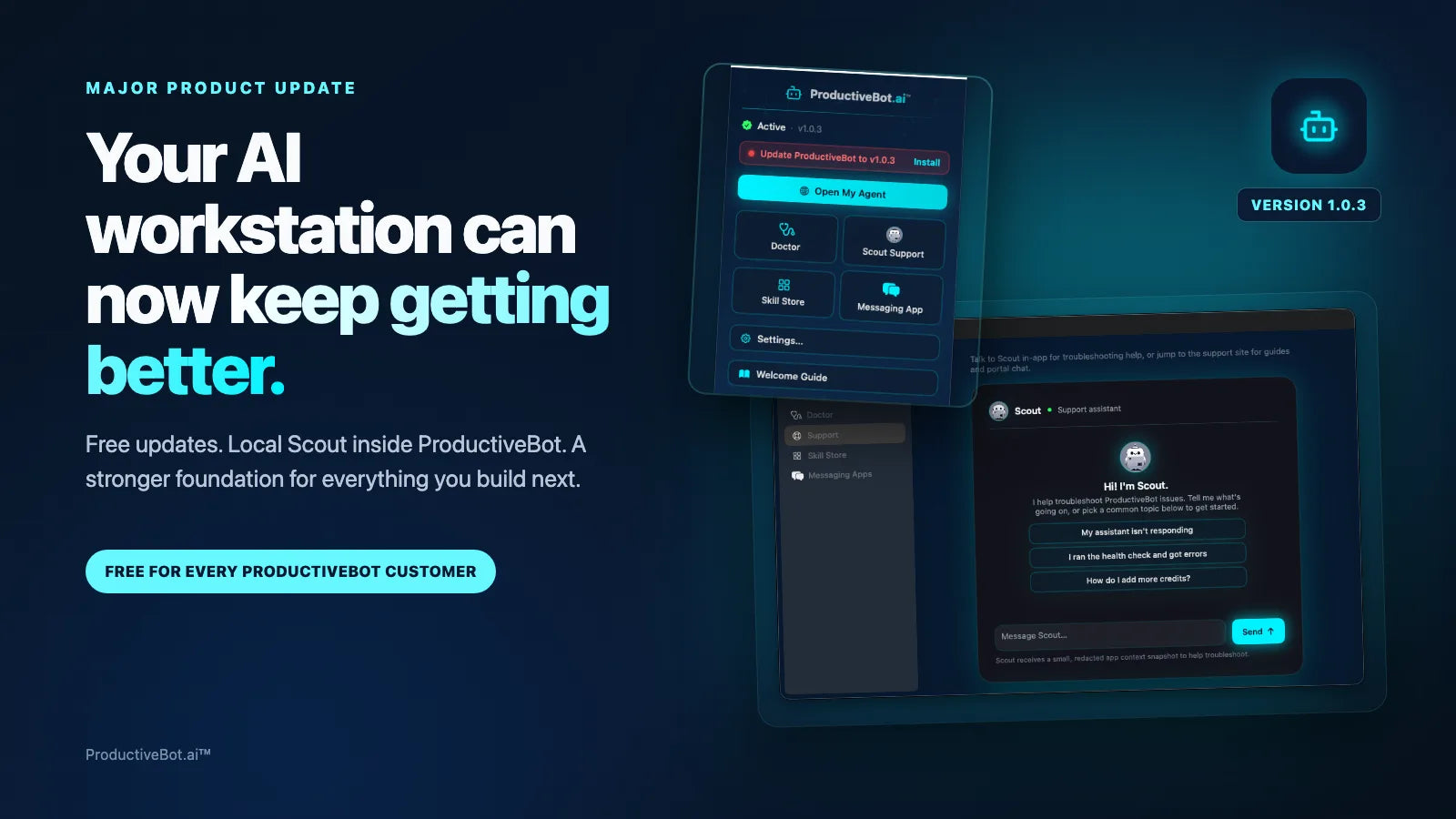
Have questions? Ask Scout, our AI support agent, anytime.

Leave a comment
This site is protected by hCaptcha and the hCaptcha Privacy Policy and Terms of Service apply.