Community Management Is a 24/7 Job
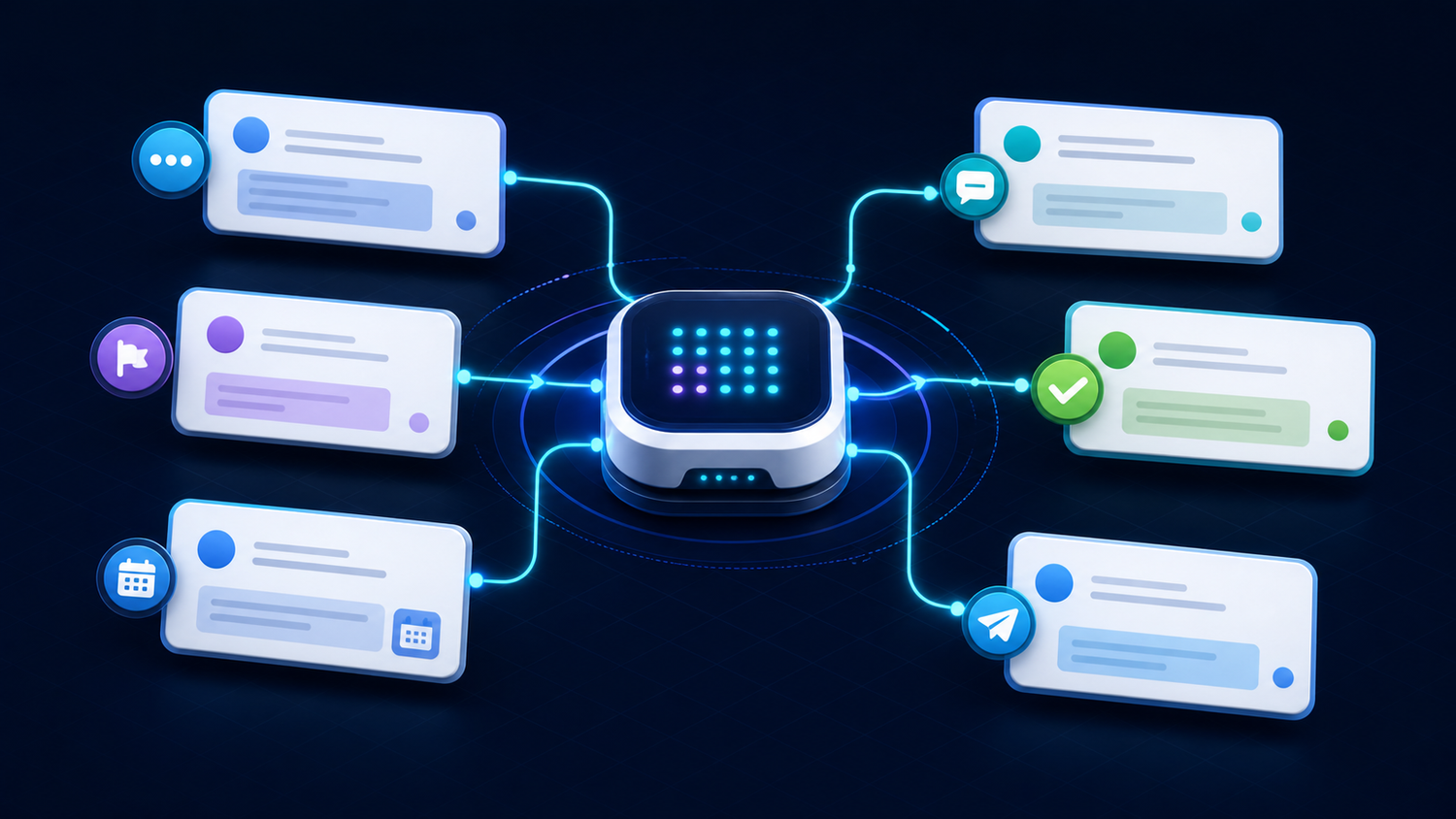
If you run a Telegram channel or Discord server, you already know: the questions never stop. Members ask things at midnight. The same questions come up twenty times a week. New members join and need orientation. Updates need to go out on schedule.
For business owners and creators who run communities as part of their growth strategy, the management overhead is real. There are only so many hours in the day, and "answer the same FAQ again" competes with everything else on your list.
Most of this work is predictable and repetitive. That makes it a perfect fit for an AI agent.
What a ProductiveBot Agent Does in Your Community
FAQ Responses
The 20 most common questions in any community account for the vast majority of questions asked. A ProductiveBot agent with your community context in TotalRecall memory can monitor the channel, recognize FAQ patterns, and respond with accurate, on-brand answers around the clock.
New Member Welcome
Set a standing instruction: when a new member joins, the agent sends a personalized welcome message, links to key resources, and answers initial questions. The experience is consistent and immediate, regardless of when someone joins.
Broadcast and Announcements
Text your agent from your phone: "Post the weekly update to the community." The agent drafts from your standing template (learned through TotalRecall memory), lets you review, and broadcasts on confirmation. Consistent communication without being tied to a computer.
Mobile Management
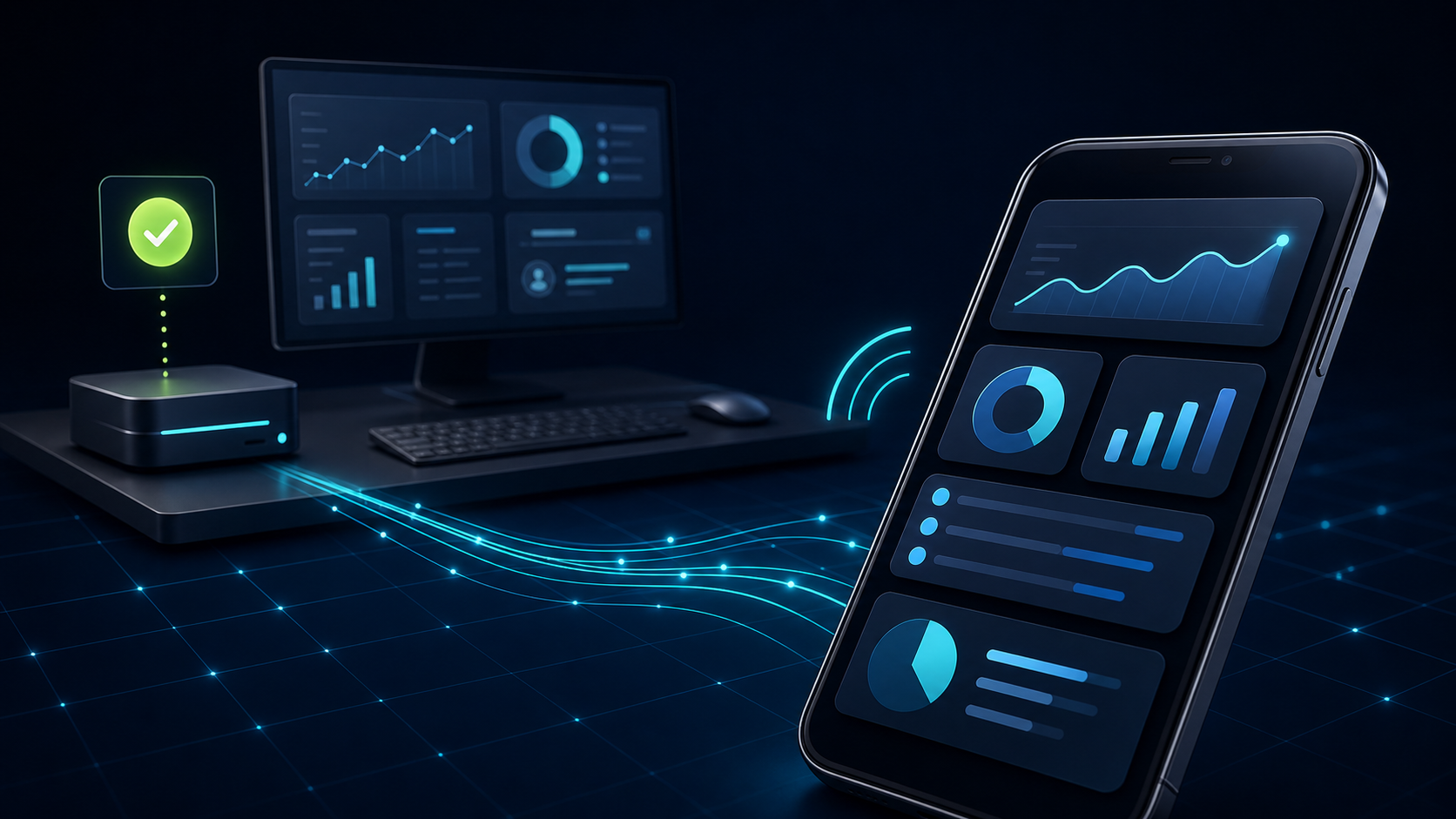
This is what sets ProductiveBot apart from other community tools. You can manage your entire channel from your phone via Telegram.
At dinner, text: "Check if there are any unanswered questions from the last 2 hours and draft responses." The agent does it. You approve and send from your phone.
Telegram Isn't a Feature Add-On
Most AI tools require you to go to them: open the app, open the browser, navigate to the tool. ProductiveBot comes to you.
Telegram gets configured during setup and is the most common way customers interact with their agent on mobile. Once connected, your agent is always one text message away. This is how our customers actually run their workflows from anywhere.
ProductiveBot is built on OpenClaw, the most capable open-source AI agent framework available. OpenClaw handles the Telegram integration, the message routing, and the automation engine. We added TotalRecall for persistent memory, SecuritySuite for protection, and a hardened configuration so it all works reliably from day one.
The Comparison
| Manual Community Management | ProductiveBot AI Agent | |
|---|---|---|
| FAQ responses | Answered manually, when you're available | Answered automatically, 24/7 |
| New member welcome | Manual or a fixed auto-message | Personalized welcome using TotalRecall context |
| Announcements | Requires logging into the platform | Text the agent, review, approve from your phone |
| Memory | You remember (or you don't) | TotalRecall remembers community context and history |
| Where you need to be | At a computer | Anywhere with your phone |
Your Community, Managed From Your Phone
If you're spending hours each week answering the same questions, welcoming new members, and managing broadcasts manually, ProductiveBot handles the repetitive work so you can focus on growing the community instead of maintaining it.

Leave a comment
This site is protected by hCaptcha and the hCaptcha Privacy Policy and Terms of Service apply.