You Left the Office. Your Business Didn't.
You're at the airport with 45 minutes before boarding. There are 12 emails that need responses, a proposal that needs a counter-offer drafted, and a kickoff call tomorrow you haven't prepped for.
This is the reality for most founders and business owners. Information management, communication, and low-level decision-making don't stop just because you stepped away from your desk.
What if you could handle all of that from a text message on your phone?
How It Works
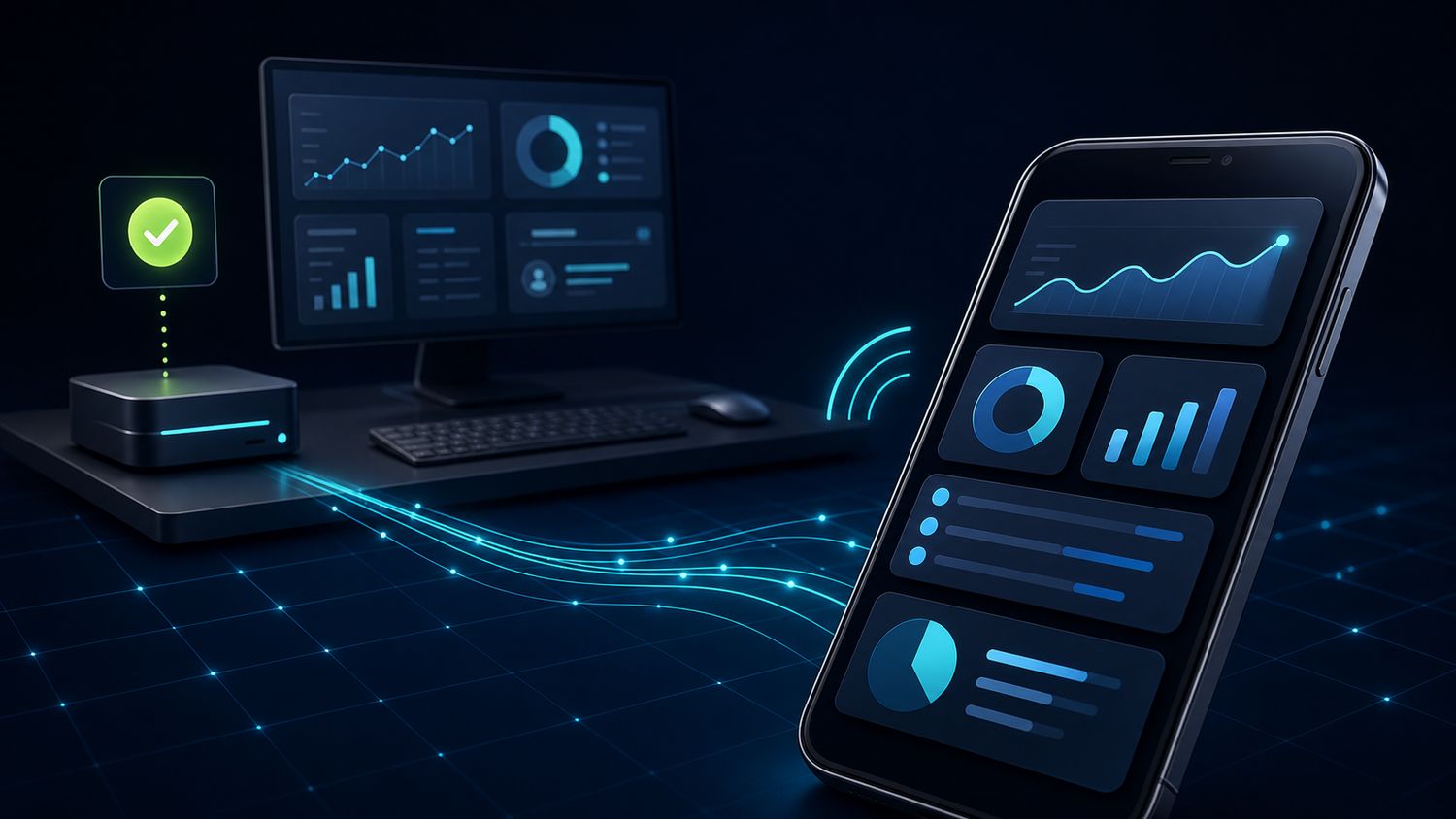
ProductiveBot runs on a Mac Mini in your home or office. It's always on, running at about 20 watts (less than a lightbulb). Your AI agent lives on that Mac Mini and is available 24/7.
Telegram is the most common way our customers talk to their agent on mobile. It gets configured during setup. Once it's connected, interacting with your AI agent is exactly like texting a very capable assistant.
You don't need to be at your desk. You don't need to be on the same network. As long as you have your phone and an internet connection, you have access to your AI.
What You Can Actually Do From Your Phone
Delegate Tasks While You're in Transit
At the airport, text your agent: "Summarize the Johnson proposal and draft a counter-offer at 15% below their ask, using our standard format and the Q3 pricing data."
Your agent processes the request, pulls relevant context from TotalRecall memory, finds the pricing data, drafts the counter-proposal, and sends it to your email for review. All before you land.
Get Briefed Before Meetings
Before walking into a meeting, text: "Brief me on the Acme account. Recent interactions, open items, anything I need to know for today."
TotalRecall searches through weeks of previous conversations and gives you a structured brief in about 30 seconds. You walk in prepared without spending 20 minutes searching through email.
Get Decision Support on the Go
Your agent knows your preferences, your history, and your communication style from TotalRecall memory. Questions like "Is Tuesday or Thursday better for the Henderson call given my schedule?" or "Draft a polite decline to this vendor that leaves the door open" can be handled from a text.
Set Up Automated Briefings
Give your agent standing instructions: "Every morning at 8 AM, send me a summary of yesterday's Shopify sales, any customer service tickets, and any flagged emails."
It runs automatically. You get the briefing over Telegram without opening a laptop.
Why TotalRecall Makes This Valuable Over Time
The reason this setup gets genuinely useful (and stays useful) is TotalRecall persistent memory. Every conversation you have with your agent, every task you delegate, every preference you express is indexed and stored on your Mac Mini.
After two weeks: The agent knows your communication style, your active customers, and your recurring workflows.
After a month: It knows which customers prefer formal language, which deals are in progress, and that you never schedule calls on Fridays.
After three months: It knows your business context at a depth that would take a new assistant six months to develop.
A text message sent six months in gets better output than the same message sent in week one. The system compounds. Cloud AI tools reset every session. TotalRecall does not.
A Real Customer Example
One of our customers named his agent Rosie and gave her a Slack account, a Google Workspace seat, and a phone number. His team members message Rosie directly when they need direction on tasks.
He set up cron jobs for weekly kickoffs and wrap-ups. When he's traveling or in meetings, the team doesn't stall waiting for him. Rosie answers from context based on his standing instructions and priorities.
He stopped being the bottleneck. His team kept moving.
The Comparison
| Cloud AI (ChatGPT, Claude.ai) | ProductiveBot via Telegram | |
|---|---|---|
| Access | Open a browser or app | Text from your phone, like messaging a person |
| Memory | No memory between sessions | TotalRecall, context builds over months |
| Scheduled tasks | Not possible | Morning briefings, weekly summaries, automated follow-ups |
| Your data | On cloud servers you don't control | On your Mac Mini, only prompts reach the API |
| Gets better over time? | No. Resets every session. | Yes. Learns your preferences and context. |
Your AI Assistant, One Text Away
If you want an AI agent with persistent memory, automated tasks, and 24/7 access from your phone, that's what every ProductiveBot unit ships with. Telegram configured at setup. TotalRecall building context from day one.

Leave a comment
This site is protected by hCaptcha and the hCaptcha Privacy Policy and Terms of Service apply.