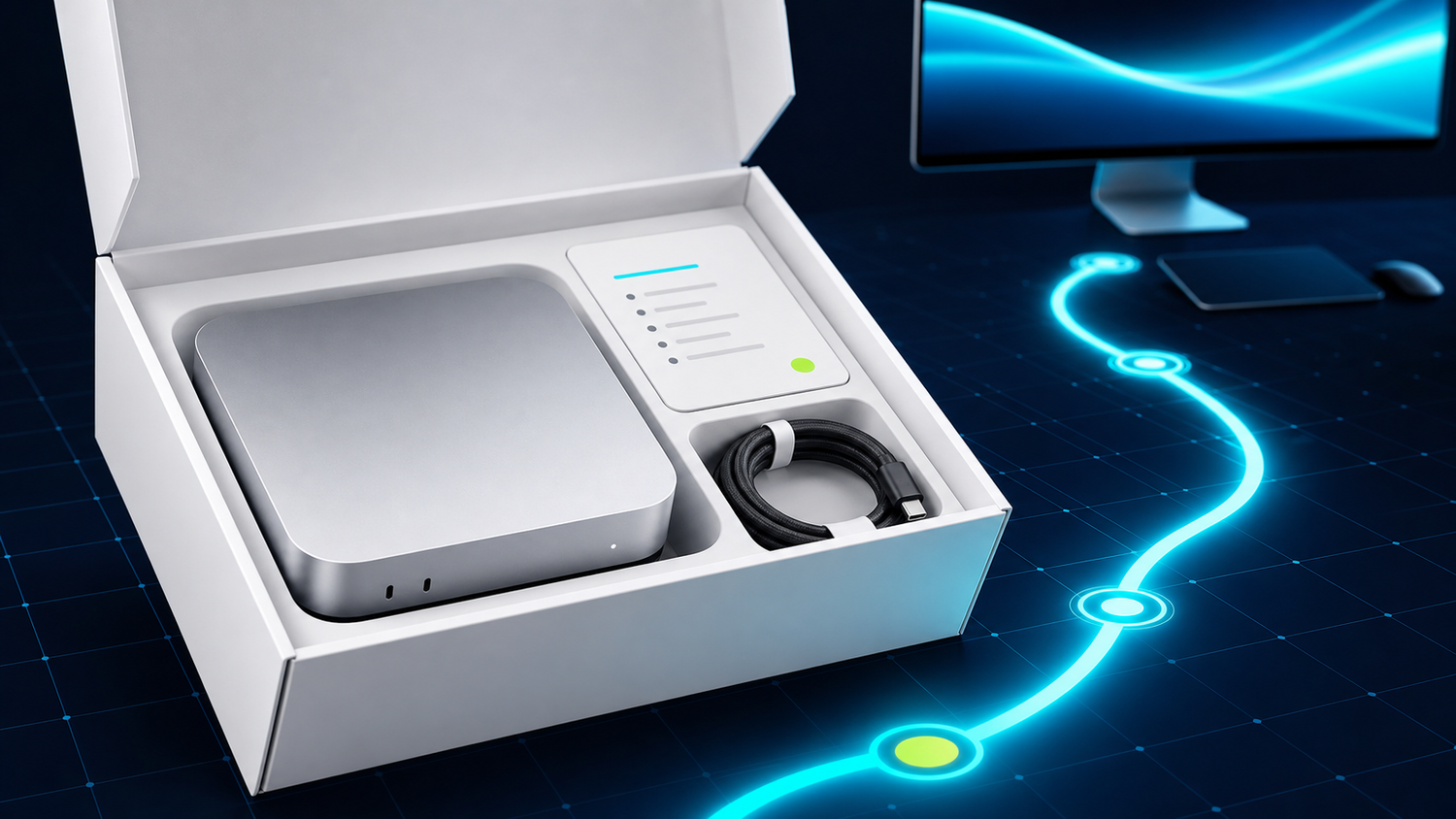
What to Expect When Your ProductiveBot Arrives
Buying a $1,499 piece of hardware from a company you found on TikTok takes a specific kind of trust. The product page tells you what it does. The unboxing tells you whether you made the right call.
We designed every part of this experience around one question: what does this person need to feel confident they just made a great purchase?
What's in the Box
- Mac Mini M4 (16GB unified memory, macOS, storage as ordered)
- Power cable
- Quick start card with setup address and support URL
Pre-installed software:
- OpenClaw (from the verified official source)
- TotalRecall memory system, fully configured
- SecuritySuite (SkillGuard + PromptGuard + active monitoring)
- ProductiveBot Doctor health system
- Setup wizard, ready to launch on network connection
Not included (you provide): Monitor, keyboard, mouse. But you don't need any of them for setup. The wizard runs from any browser on your network.
The First 30 Minutes
Minutes 1 to 5: Physical Setup
Take the Mac Mini out of the box. Connect the power cable. Connect to WiFi or ethernet. That's the complete physical setup.
Minutes 5 to 25: The Wizard
On any device on your network (phone, laptop, tablet), open a browser and go to the address on the quick start card. The wizard launches automatically.
Four steps: API key entry, assistant naming, optional Telegram setup, confirmation. The wizard explains each step clearly and links directly to any external accounts you need.
Minutes 25 to 30: Your First Conversation
The wizard finishes and confirms your agent is live. Open your messaging app (Telegram, Slack, or whatever you connected during setup) and send your first message. The response confirms everything is working.
What's Behind You After Setup
This is the part that matters most for the long term. You now have three layers of support behind your purchase:
ProductiveBot Doctor: One-click health checks you can run anytime to make sure everything is working. It auto-fixes safe issues and backs up before making changes.
Scout: Our AI support agent at support.productivebot.ai, built with full product knowledge. Paste a Doctor report and describe any issue. Scout resolves most in under 5 minutes.
Priority Support: For anything Scout can't resolve. Human review and response for complex issues.
Why the Support Stack Matters
Most hardware products give you a warranty and a support email. You send a message describing your problem. You wait 24 to 72 hours. You get a response that may or may not address your specific issue. You reply. You wait again.
We designed ProductiveBot's support to eliminate that experience. Doctor tells you what's wrong before you need to describe it. Scout resolves it in minutes. Priority Support catches anything Scout can't.
For anyone who's not deeply technical, the support stack is as important as the product itself. It's the guarantee that the product keeps working.
How ProductiveBot Compares
| DIY OpenClaw Setup | ProductiveBot | |
|---|---|---|
| Memory system | Requires manual configuration | TotalRecall, fully configured from first boot |
| Security | None pre-installed | SkillGuard + PromptGuard + SecuritySuite |
| Diagnostics | None available | ProductiveBot Doctor, 7-category health checks |
| Support | Community forums (Reddit, GitHub, Discord) | Scout AI support + Priority Support |
| Setup time | 10+ hours for full configuration | 20 to 30 minutes with the browser wizard |
Ready to Open the Box?
A Mac Mini M4 with AI software pre-installed, a 20-minute setup wizard, persistent memory from day one, and three layers of support behind every unit. That's what a ProductiveBot is.


Leave a comment
This site is protected by hCaptcha and the hCaptcha Privacy Policy and Terms of Service apply.