AI Agent Workstation

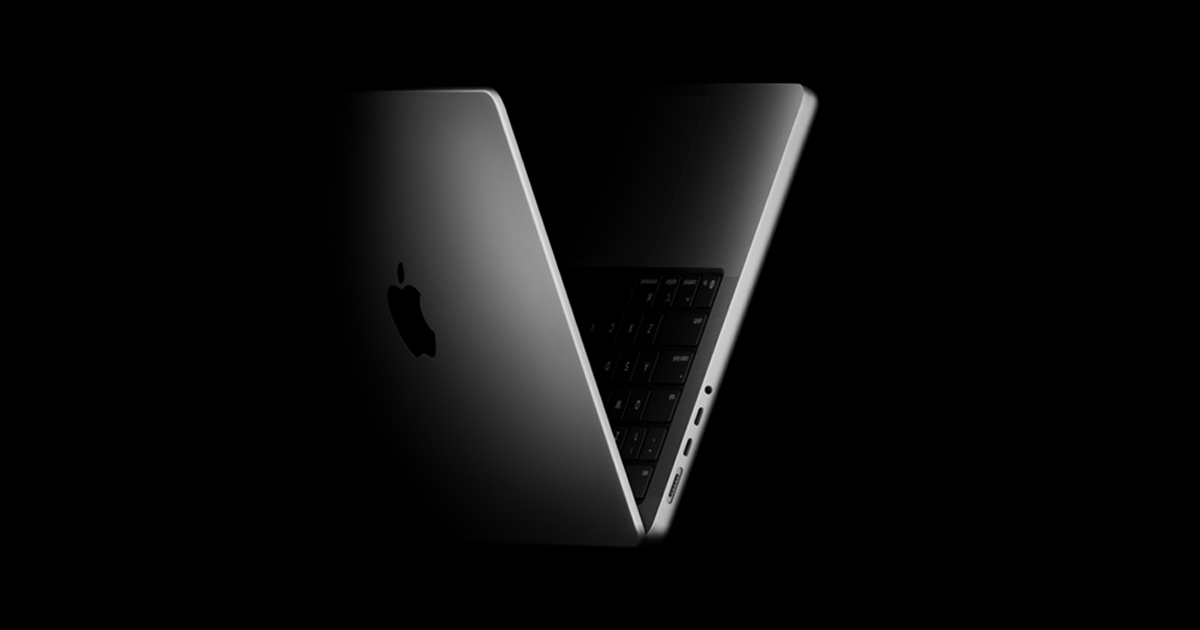
MacBook Pro 16"

A portable ProductiveBot AI workstation with a larger display for your everyday work. The ProductiveBot Agent System comes installed and configured. Choose your chip, memory and storage from the available configurations. Local agent tasks require the laptop to remain powered and awake.

Before bundle savings: $3,899 Sale price$3,699
Or pay monthly

Subject to eligibility. Rates and terms shown in payment details.

You're saving $200 by buying the computer and the Agent System together
Backorder — This item will ship once it is in stock
What ships in the box
The machine
The system
ProductiveBot Agent System Pre-installed and configured.
$900Included
ProductiveBot+ Subscription
Essentials Tier Support, Updates, and Training
Free Included

Real businesses. Real work.

See what business owners are getting done with ProductiveBot.

Pizza World franchise website submitted by Ryan Wortham with his ProductiveBot reviewPizza World business website submitted by Ryan Wortham with his ProductiveBot review

Actual work shared by the customer with his review.

ProductiveBot helping a franchise business move faster.

“ProductiveBot has been the biggest asset to my business. I have rebuilt multiple websites... use it to post on our socials, pull demographics for new restaurant locations. And countless other things.”

Ryan Wortham

CEO, Pizza World

★★★★★
Verified customer
The ProductiveBot difference

More than another AI chat window

Choose the AI brain you prefer, keep the memory and workflow context on the computer you own, and put it to work only with the tools you approve.

Step 01

Choose the AI brain

Works with the AI you already pay for — Claude, ChatGPT, Gemini or Grok — or a local model.

Switch anytime, or use them in combination.

Frontier AI

  • Claude
  • ChatGPT
  • Gemini
  • Grok

Local models

  • Llama
  • Qwen
  • DeepSeek

Local model fit depends on your Mac’s memory and model size.

Step 02

Own your business memory

A hub for your business knowledge, processes, and workflows—not another isolated chat history.

Keep your context on the computer you own. Choose what to share.

Step 03

Put that context to work

When you connect approved tools, ProductiveBot can bring that owned context forward to help across:

  • Email
  • Calendar
  • Files
  • Research
  • Recurring work
  • Build & create

More like a trained employee than a blank chat.

Your AI brain, your business memory, and the tools you approve—working together from the ProductiveBot workstation you own.

AI Agent Workstation

Everything you need to use AI agents in your business

1 The machine
MacBook Pro 16" (M5 Pro 18 CPU/20 GPU, 24GB, 1TB)
Preconfigured to work with agents.
ChipApple M5 Pro
Memory24GB unified memory
CPU18-core CPU
GPU20-core GPU
Storage1TB SSD
EthernetNo built-in Ethernet
PortsSDXC card slot; HDMI port; 3.5 mm headphone jack; MagSafe 3 port; three Thunderbolt 5 (USB-C) ports supporting charging, DisplayPort, Thunderbolt 5 (up to 120Gb/s), and USB 4 (up to 120Gb/s).
WirelessApple N1 wireless networking chip; Wi-Fi 7 (802.11be); Bluetooth 6; Thread networking technology.
In the box16-inch MacBook Pro, 140W USB-C Power Adapter, USB-C to MagSafe 3 Cable (2 m)
WarrantyApple one-year limited warranty; terms apply.
Local models24GB unified memory is shared by macOS, apps and local models. Model fit and speed depend on model size, quantization, context length and other running apps. Keep the Mac powered and awake for ongoing local-model tasks.
2 The system
ProductiveBot Agent System
Agents run on your machine, not in the cloud.
SetupStart talking to your agent in minutes
SoftwarePre-installed and configured to use
AI ModelUse your current subscription or local model
TotalRecallAgent long-term memory stored locally not in the cloud
DiagnosticsRun complete diagnostics with Doctor feature
SecurityPromptGuard, SkillGuard, SecuritySuite included
Skill StoreAdd skills and expand capabilities
3 The subscription
ProductiveBot+
Essentials Tier: Included Automatically
Support24/7 Scout AI Agent Support + Email Support
UpdatesAgent System and Security Updates
Community AccessJoin community with other builders
TrainingAgent management and success training
$2,999.00machine +$900.00system +$0.00Essentials− $200.00for buying them together
=$3,699.00
WHY IT IS DIFFERENT
You own your AI agent, not the cloud

It runs on the Mac you bought. Your data, memory and setup stay on the machine.

No monthly subscription to keep it running

ProductiveBot+ is included with every workstation. Nothing to sign up for.

Security and guardrails, built in

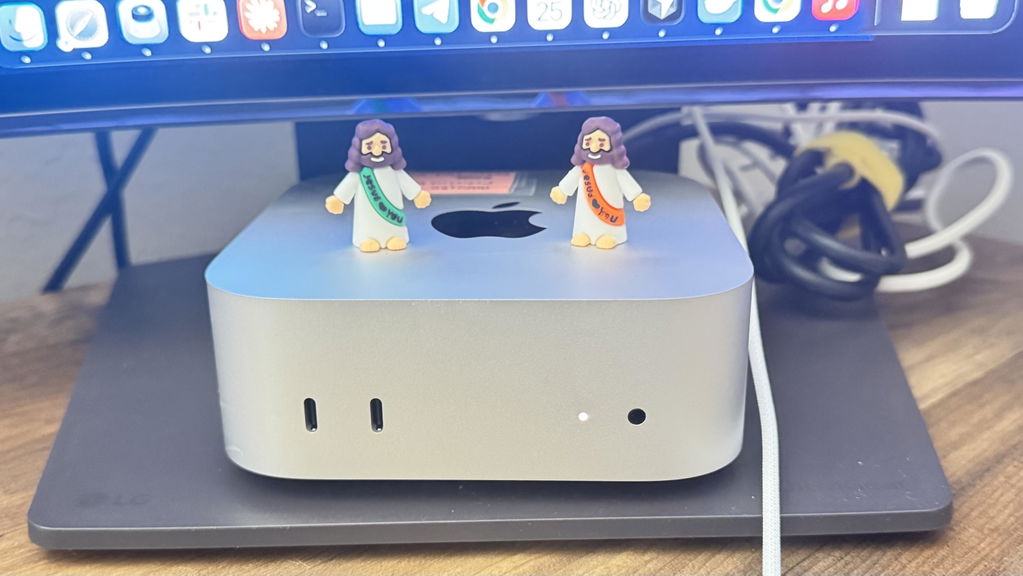
ProductiveBot runs from the included Mac mini, with safeguards designed to help you stay in control of what your agent can access and do.

PromptGuard: Helps detect common prompt-injection and jailbreak patterns before they reach your agent.

SkillGuard: Scans skills before installation for risky behavior such as credential theft, code injection, and data exfiltration.

Device-first architecture: Your agent's files, memory, and configuration stay on the included Mac mini. When you connect a cloud AI provider or another service, only the data needed for those requests is sent through that provider.

Compare the machines

How much Mac do you actually need?

Every machine runs agents

Even the smallest Mac here runs your agents, automations and tools without compromise. That part doesn't change as you move up.

Pay more for local models

More memory is what lets you run larger AI models on the machine itself. If you use Claude, ChatGPT, Gemini or Grok, you do not need it.

Storage can grow later

Start smaller if you are unsure. You can always add external storage down the line as your files and history build up.

Local model sizes are for 4-bit models with the Agent System running, at everyday context lengths.

Still not sure? If you'll use Claude, ChatGPT, Gemini or Grok — and most people do — the Mac mini is all you need.

  • 5 stars: 12 (100%)
  • 4 stars: 0 (0%)
  • 3 stars: 0 (0%)
  • 2 stars: 0 (0%)
  • 1 star: 0 (0%)
This product has no reviews of its own. The merchant grouped it with related products, so the reviews shown are from across that group.
R
Rob S. Can Do It Services, LLC

I’ve been extremely satisfied with my ProductiveBot and honestly feel like I’m only beginning to discover what it can do.

I purchased my system with OpenClaw running on a Mac mini because I wanted to take AI beyond simply asking questions and start using it to improve the way I actually operate my businesses. ProductiveBot has given me a platform where I can build workflows, organize ideas, automate repetitive processes, and work across multiple businesses from one AI-powered system.

What excites me most is the potential.

The more I use it, the more I find myself thinking differently about everyday business processes: “Could my ProductiveBot handle this?” Increasingly, the answer is yes.

There is definitely a learning curve, and the results get better as you learn how to provide the right context and direction. But that’s also what makes it powerful—you’re not limited to a handful of predetermined functions. You can continue shaping the system around the way you work and the problems you want to solve.

For me, ProductiveBot isn’t just another AI chatbot. It’s becoming part of my business infrastructure.

D
Dar Chayse

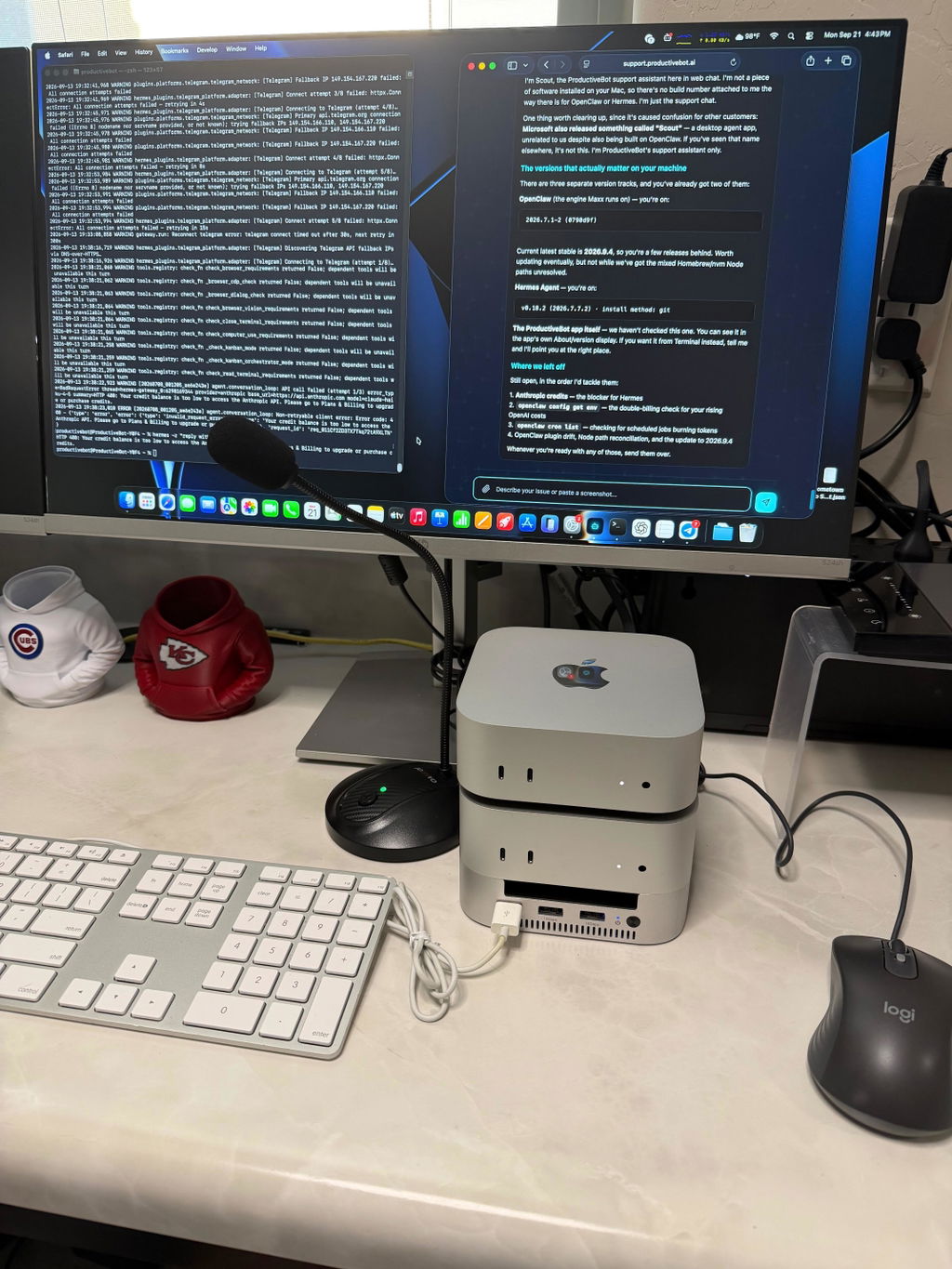
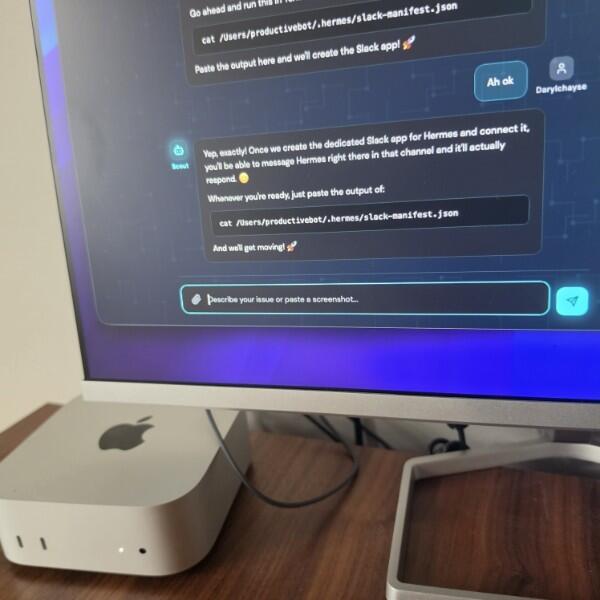
I have been using ProductiveBot for several months. As a brand new eCom solopreneur it has been an immeasurable support to me. I have a lot of learning curves to face and having ProductveBot as my Co-pilot I feel confident in what I will be building. What I love about this eco-system is that you not only get more than one AI Agents, and more than one AI models to chose from at any given time, you get this amazing support app called SCOUT. If you have any questions about your Mac mini, how the AI tech works, if you need support, Scout is there 24/7 to help you! It is pretty amazing. For example, it has helped me installed Hermes AI to work alongside my OpenAI so they can do work together. There are some other companies that are trying to do this, but nothing compares to what ProdBot is launching. You will never have an outdated system because there are always updates, and new skills that you can download. If you have been sitting on this just pull the trigger. You will not regret it! It will pay for itself very quickly. I used the payment plan, so I didn't have to worry about a big expense while I try to launch my brand.

R
RYAN WORTHAM

ProductiveBot has been the biggest asset to my business. In a short time that I've had it, I have rebuilt multiple websites and made of so much better up-to-date and user-friendly. Use it to post on our socials pull demographics for new restaurant locations. And countless other things. Also, Scout is amazing wherever you have a problem it literally fixes it for you.

J
Jed Wilson

I came into this with zero coding background—just a strong understanding of business processes. Running Open Claw on a Mac Mini through ProductiveBot completely changed what I thought was possible. Having everything set up out of the box was a huge advantage—no time wasted configuring environments or figuring out tooling, I could just focus on building.

I was able to go from idea to a fully working MVP in about 8 hours. What stood out most is how it bridges the gap between thinking and execution. Instead of getting stuck on the technical side, I focused on defining the logic and workflows, and the system helped bring it to life.

If you understand business but aren’t a developer, this setup is a serious accelerator. What would normally take weeks or months can now happen in a day.

J
Jason Talarski

Productive Bot is the perfect name. I am so much more productive, being I can get multiple ideas executed. I can work on multiple companies and do multiple tasks in min or hours that would normally take days or weeks. This is the future!

K
Kyle W.

I’ve used ProductiveBot to help me build and manage a few real projects, including lead generation workflows and multiple trading bots, and overall I’ve been really impressed. It’s especially good at staying organized across ongoing projects, remembering context, and actually doing the work instead of just giving generic advice.
What I’ve liked most is that it can help think through ideas step by step without making things feel overwhelming. It’s been useful for technical troubleshooting, refining systems, organizing data, and improving workflows over multiple sessions.
It hasn’t been perfect. We’ve definitely had a few missteps, especially around reporting accuracy, stale data, and a couple workflow bugs, but the big positive is that it was able to catch those issues, trace the real cause, and fix them instead of just covering them up or giving a vague answer.
Overall, it’s been genuinely useful and feels a lot more like working with a capable assistant than using a basic AI chat tool.

B
Bryce JImenez

It is exactly what I needed!

I
Ilya Iskhakov

Great great great

A
A. Schoenberg

Great experience, and incredibly capable bot for our contracting business as and admin/bookkeeper and data entry. We have general bugs/issues which you expect with newer tech like this and the productive bot team has been responsive and effective with troubleshooting, updating, adding skills.

C
Chris Peckham

ProductiveBot is the first AI tool I’ve used that feels less like a chatbot and more like an actual operator. Yes, it can draft, summarize, organize, and research...but the bigger thing is that, with the right guidance, it can actually help create and execute, not just respond.

That’s the difference for me. Most AI tools are basically smart text boxes. ProductiveBot can become part of an actual workflow. It can help turn vague ideas into structured output, useful systems, and real finished work. That makes it feel meaningfully more powerful than the typical “assistant” product.

What I also appreciate is that it’s flexible. It doesn’t force you into one canned use case or one narrow way of working. You can shape it around how you think, what you need, and the kinds of projects you’re actually trying to push forward.

It’s not magic, and it’s not always one-click perfect, but that’s also part of why I respect it. There’s real capability under the hood. If you’re willing to give it context, direction, and a little iteration, it can do some pretty remarkable things.


K
Kevin Nguyen

Everything was just how I expected it to be. Top Notch

A
Amanda Watson

Honestly, this has been a game changer for my business. My team is literally 10X more productive- we are starting with our marketing department right now but we'll be doing much more soon. The setup was incredible easy and worked perfectly.

FAQ

Questions people ask before buying

Still stuck on something? Email us and a person will answer.

A new Apple Mac mini with the ProductiveBot system already installed and configured, a power cable, and a quick-start guide. ProductiveBot+ is included. You plug it in, follow the setup wizard, and your agent is working the same day.

No. The setup wizard walks you through connecting your AI account (Claude, ChatGPT, Gemini, or Grok) and configuring your first agent. If you can email, you can use this.

Your agents need the machine awake and online to keep working. A laptop you carry around won't provide that. A dedicated workstation sits on a shelf and runs 24/7, so your agents never stop. You still talk to them from anywhere — phone, laptop, another Mac — just not the machine they run on.

Yes, for Claude, ChatGPT, Gemini or Grok — but only if you want to use them. The wizard makes setup easy. If you use local models only, no account needed at all.

If you bring your own AI subscription (Claude Pro, ChatGPT Plus), you pay what you already pay them — nothing to us. If you run models on the machine instead, the software stays free, you just pay for electricity. ProductiveBot+ is free. No subscription, no monthly bill.

You get a 14-day return window. Apple covers the hardware with a 1-year warranty. ProductiveBot Support is included with Essentials — email us and a person answers. We've also built Doctor into the system to diagnose and fix issues on its own.

Ready when you are

Not sure which one you need?

Tell us what you want it doing for you — the invoices, the inbox, the reports, whatever it is — and we'll tell you which machine covers it. It's usually the mini.

Ask before you buy Answers in seconds, no email required.
Ask a question ›
One purchase, three things you keep
Apple M5 Pro (18 CPU/20 GPU) · 24GB · 1TB — yours outright
ProductiveBot Agent System — installed and calibrated
ProductiveBot+ Essentials — free, from day one
$3,699.00
Available for backorder
Adds your selected configuration to your cart.
14-day return policy Conditions apply — see the policy.
Apple 1-year warranty Genuine hardware, verifiable by serial.
Guided setup included Plug it in, answer a few questions, done.
Pay over time 0% APR financing at checkout.