Accessories/Magic Trackpad
Compatible with your ProductiveBot workstation
Apple desk accessory
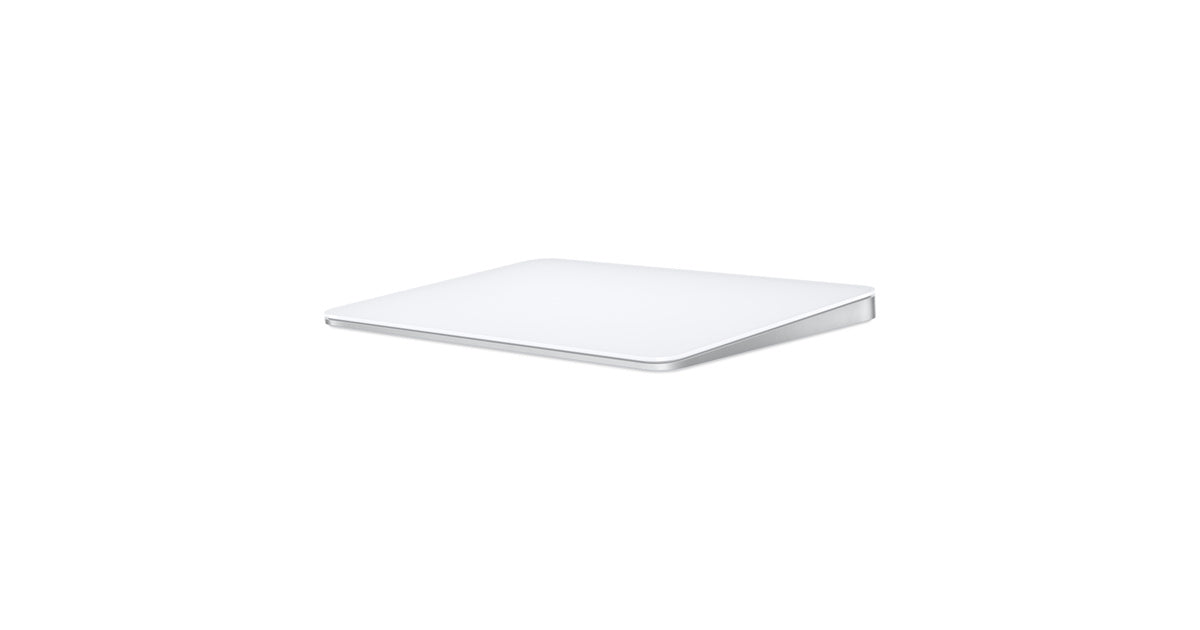
Magic Trackpad
A wireless rechargeable Mac trackpad with full Multi-Touch gestures and Force Touch.
$129
Optional addition · not included with your workstation
Gestures for many windows and spaces
Working alongside an always-on workstation usually means several windows open at once: logs, a browser, a terminal, chat. The full Multi-Touch gesture set lets you switch spaces, show all windows, and scroll long output with one hand. Force Touch adds pressure-based actions.
Working alongside an always-on workstation usually means several windows open at once: logs, a browser, a terminal, chat. The full Multi-Touch gesture set lets you switch spaces, show all windows, and scroll long output with one hand. Force Touch adds pressure-based actions.
Bluetooth + woven USB-C cable
Wireless at your desk; pair and charge with the included cable.
Wireless at your desk; pair and charge with the included cable.
About a month between charges
Rechargeable internal battery, per Apple.
Rechargeable internal battery, per Apple.
In the box: Magic Trackpad, USB-C Charge Cable
Make the call
Mouse or trackpad?
Choose the full gesture surface—or the familiar, compact pointer.
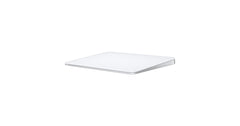 Magic TrackpadYou’re viewing
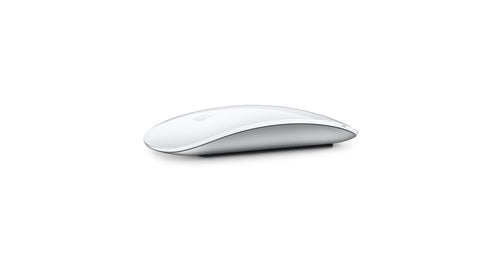
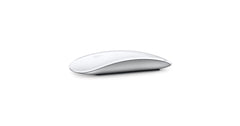 Magic Mouse
Input
Edge-to-edge Multi-Touch glass
Multi-Touch surface
Full gesture set
Yes
—
Force Touch
Yes
—
Best for
Many windows and spaces
Simple, compact pointing
Verified fit
Made for the machine you own.
Works with your workstation
Requires Mac with macOS 15.1 or later; iPad with iPadOS 18.1 or later; Apple Vision Pro with the latest version of visionOS. Your ProductiveBot workstation qualifies.
Wireless, with the cable included
Bluetooth for daily use; woven USB-C charge cable in the box.
Long between charges
Apple states about a month or more between charges.
Specifications
Everything useful. Nothing extra.
Works withAll three ProductiveBot workstations
RequiresMac with macOS 15.1 or later; iPad with iPadOS 18.1 or later; Apple Vision Pro with the latest version of visionOS
ConnectionBluetooth, wireless; USB-C port
ChargingIncludes a woven USB-C Charge Cable that lets you pair and charge by connecting to a USB-C port on your Mac
Battery lifeRechargeable battery lasts about a month or more between charges
CompatibilityListed Mac models include Mac mini (2024), Mac mini (2023), Mac mini (M1, 2020), Mac mini (2018), Mac Studio, iMac, MacBook Air, MacBook Pro and Mac Pro
InputFull range of Multi-Touch gestures plus Force Touch; sensors detect differences in applied pressure
SurfaceLarge edge-to-edge glass surface; white Multi-Touch surface
DimensionsHeight 0.19-0.43 inch (0.49-1.09 cm); width 6.30 inches (16.0 cm); depth 4.52 inches (11.49 cm)
Weight0.51 pound (0.230 kg); weight varies by configuration and manufacturing process
In the boxMagic Trackpad, USB-C Charge Cable
Keep building