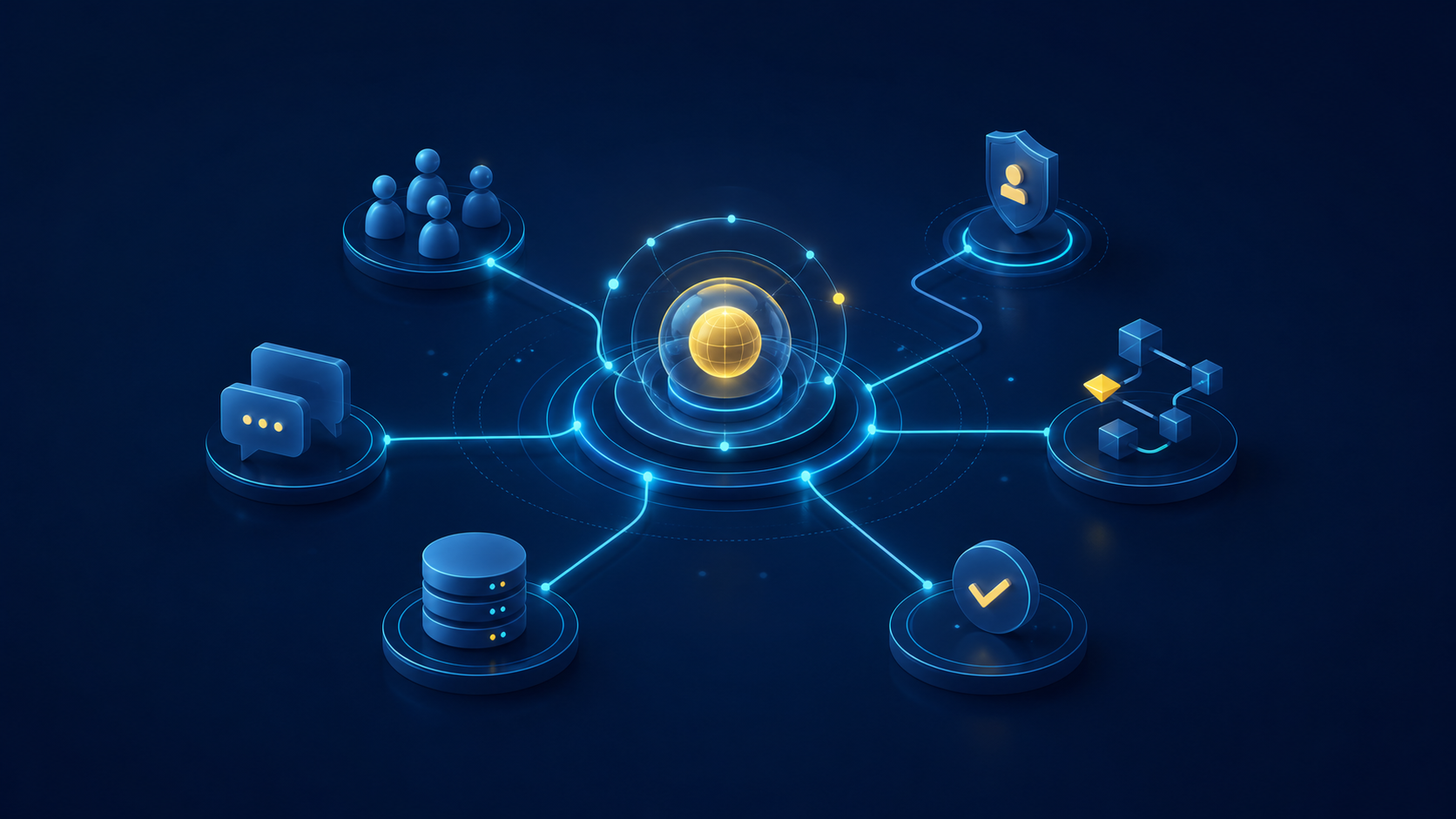
Buzz AI Agent Workspace: How ProductiveBot Fits
Buzz puts people and AI agents in the same workspace. See what early users are saying and how ProductiveBot adds context, control, and support.
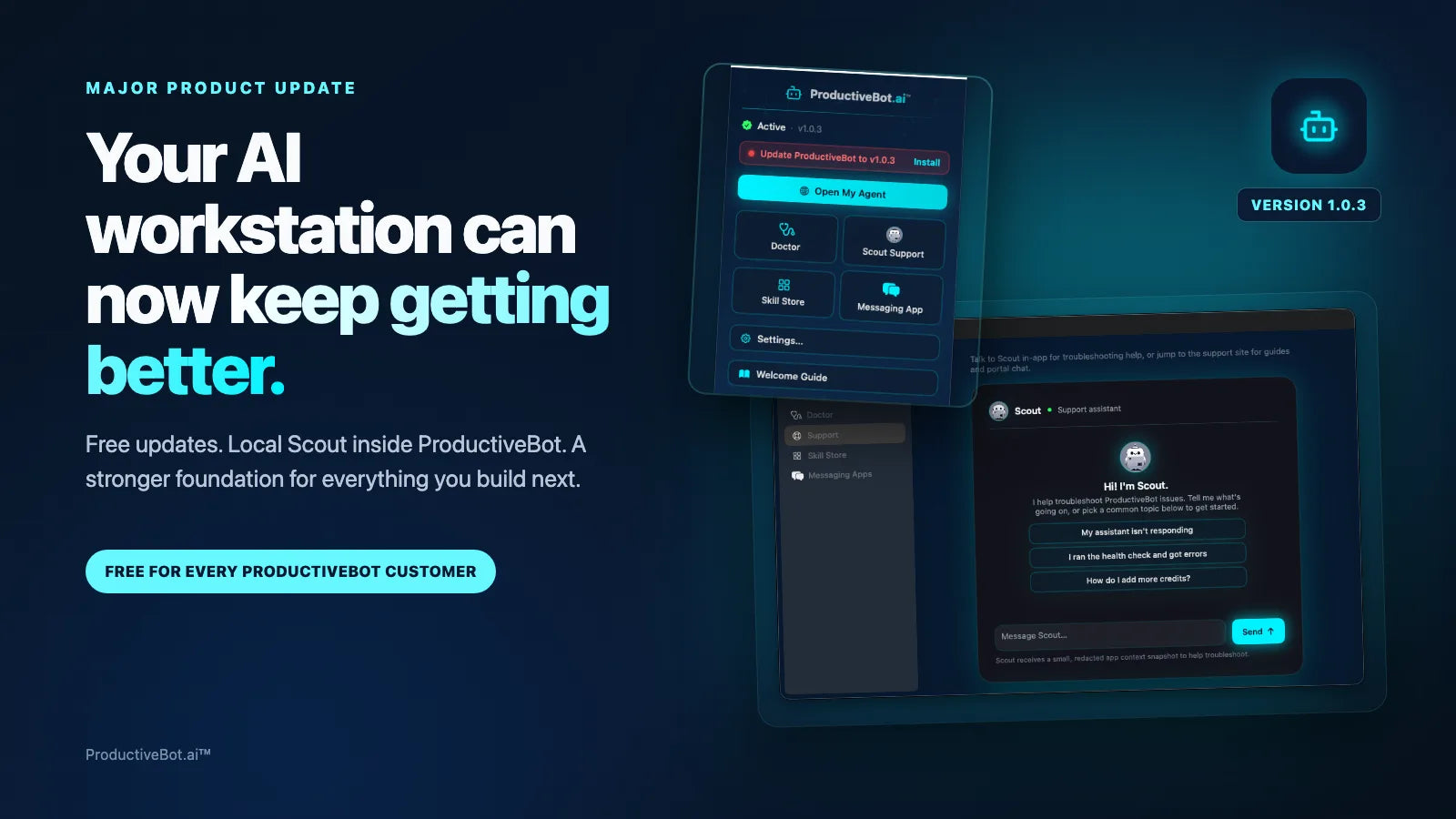
ProductiveBot 1.0.3: Your AI Workstation Can Now Keep Getting Better
ProductiveBot 1.0.3 adds free in-app updates, Local Scout support, easier setup, and a better way to improve your AI workstation over time.
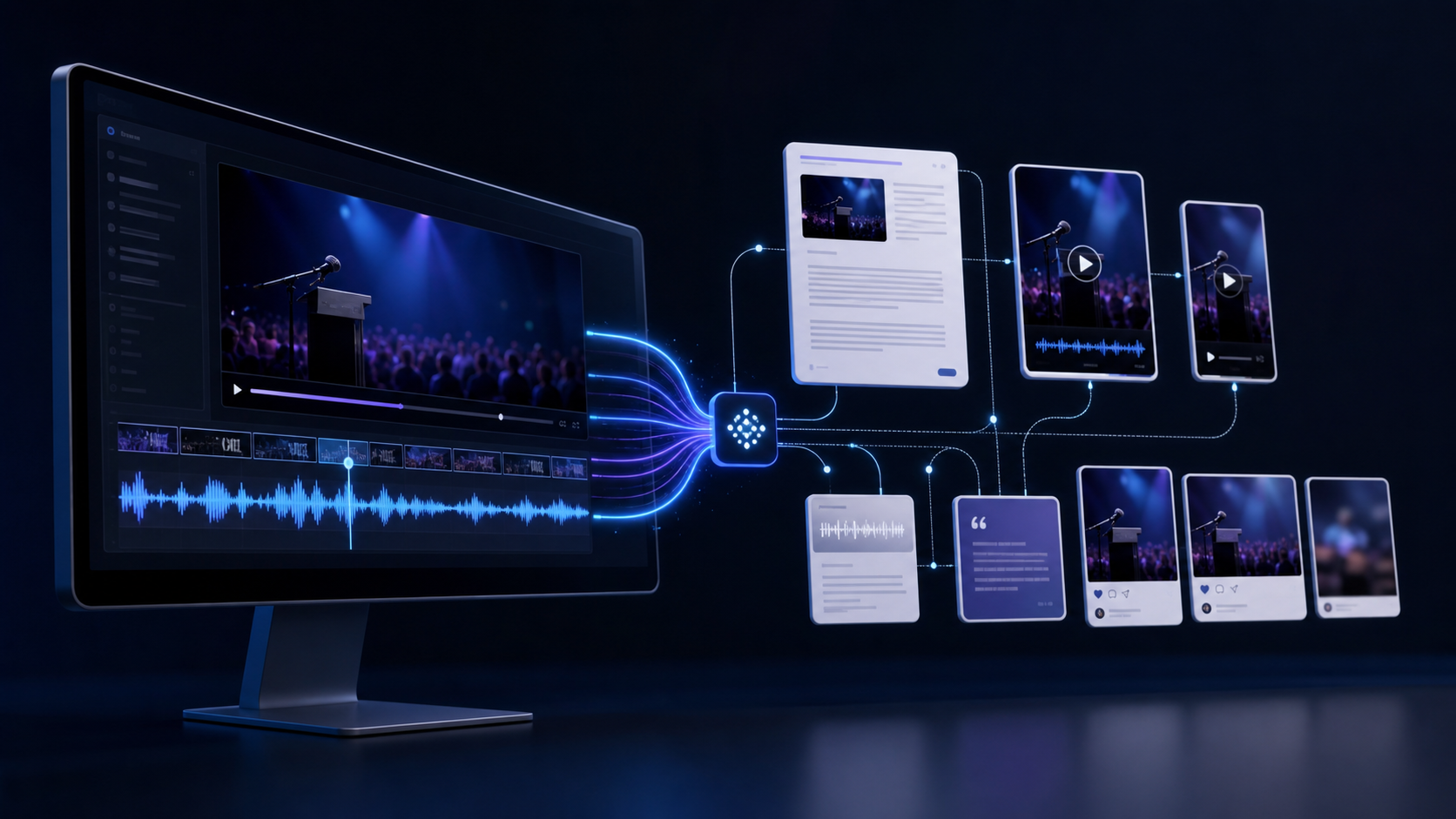
How To Turn YouTube Videos Into Blog Articles With AI Agents
Learn a practical transcript-first workflow for turning webinars and long-form videos into YouTube uploads, blog articles, captions, clips, and community posts.

The AI Memory That Never Forgets Your Business
Subtitle/Snippet: Most AI tools start every conversation from zero. TotalRecall remembers. Here's why that changes everything for a busy business owner. You explain. They forget. You explain again...
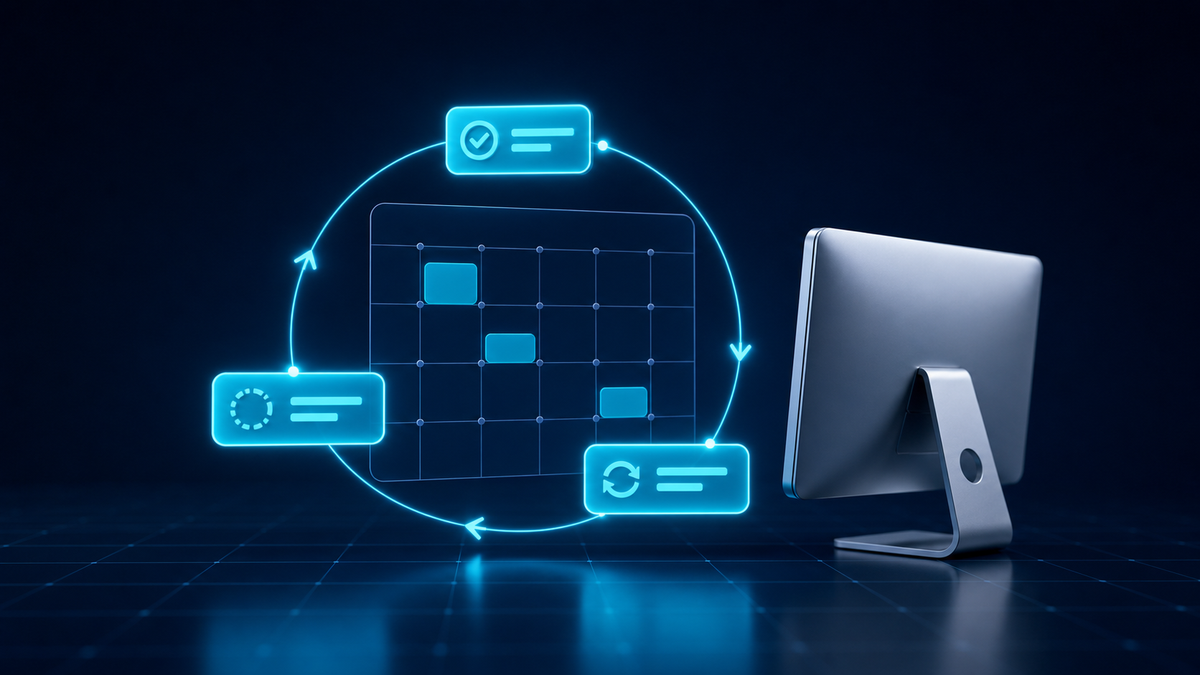
How to Set Up Repeating Tasks in ProductiveBot (And Keep Them Running)
Learn how to set up daily reports, reminders, and alerts that run automatically in ProductiveBot. Includes ready-to-use prompt examples for common business tasks.
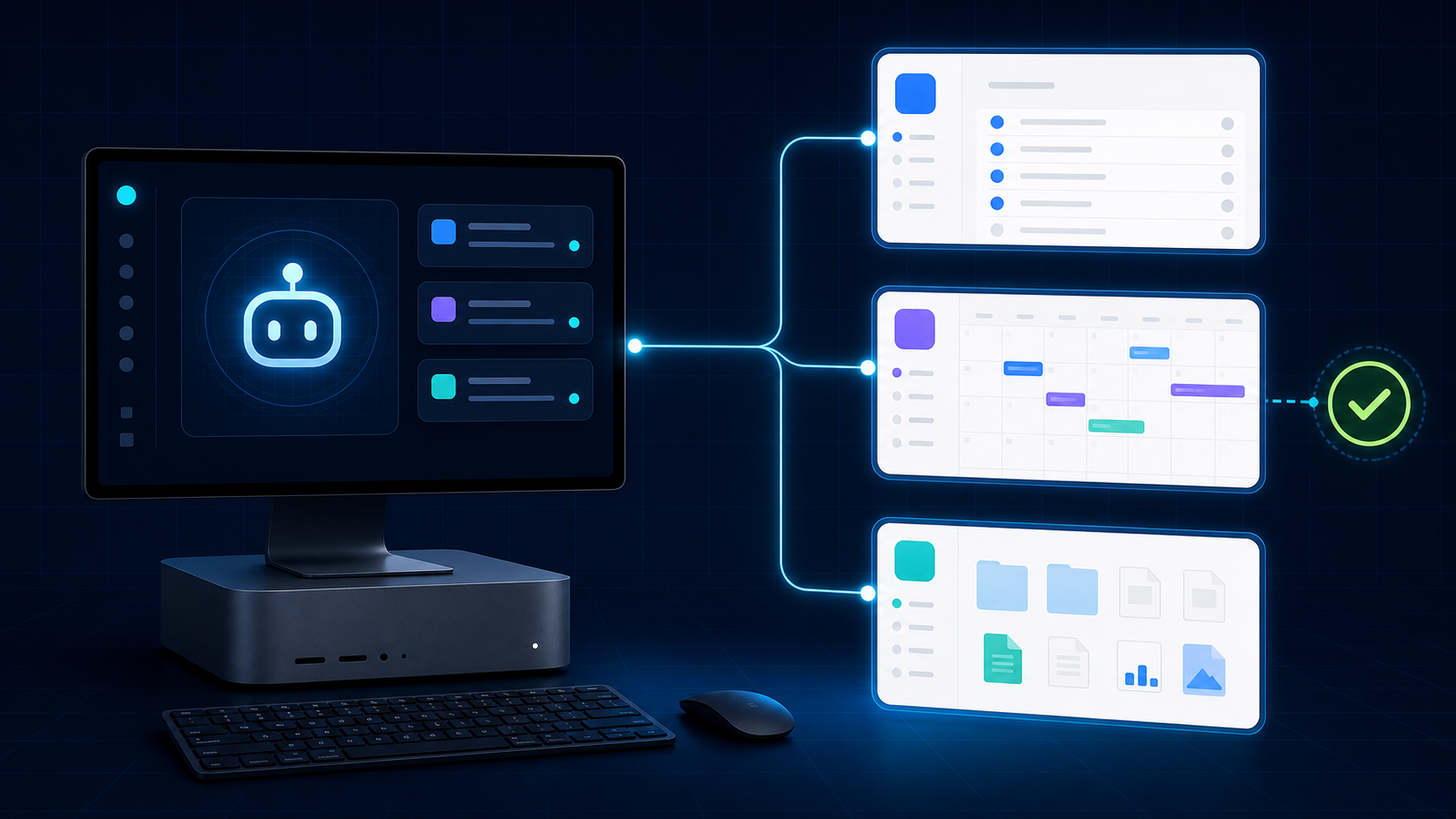
Connect Google Workspace to Your ProductiveBot: Gmail, Calendar, Drive, and More
Your ProductiveBot can read your Gmail, manage your calendar, search Drive, and update Sheets. Here's the complete setup guide, from Google Cloud project to your first AI-powered email search.